

Best Calendly alternatives: free and paid scheduling tools
11 min read
Last updated November 11, 2026. How we pick: we compare the job each tool is for, from public product pages, not a paid ranking.
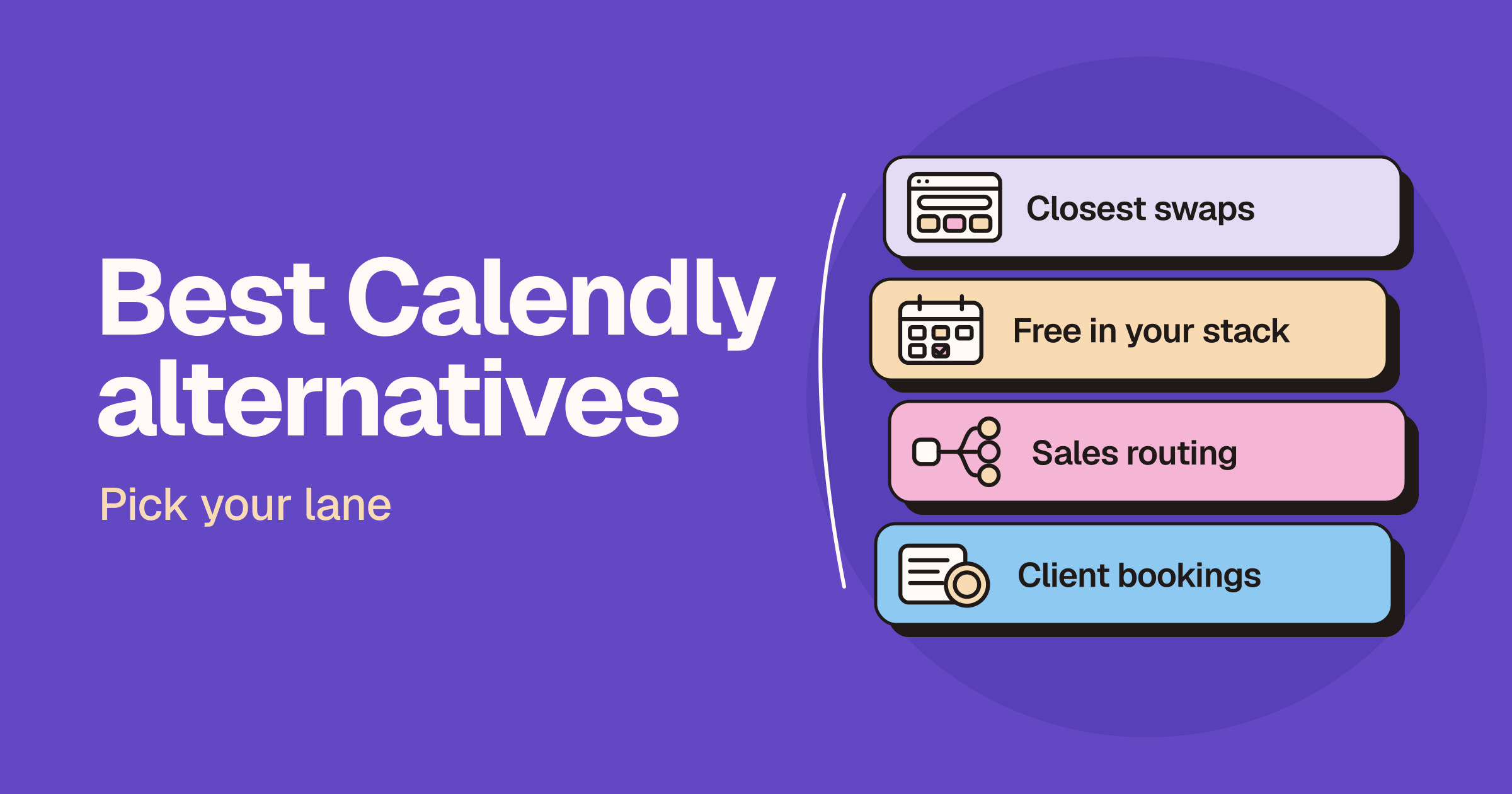
Short answer: the best Calendly alternative depends on why you are leaving. Cal.com is the closest all-round swap and has a generous free plan for individuals, SavvyCal gives your guests a nicer way to pick a time, and Google Calendar appointment schedules, Microsoft Bookings and HubSpot’s meeting scheduler may already be included in tools you pay for. Sales teams that route inbound leads should look at Chili Piper, client businesses that take payments should look at Acuity Scheduling, Zoho Bookings or TidyCal, and Doodle is still the simple pick for group polls.
Sponsored
Ramp AI · $149/mo subscription · since 23 Sept 2026
This guide is for founders, freelancers, consultants, sales teams and small businesses who use or are evaluating Calendly and want to know what else is worth trying. We sort the options by lane first, because the right swap depends on whether you want a like-for-like booking tool, something free inside the suite you already use, lead routing for a sales team or bookings with payments for clients. Claims below come from each vendor’s own product, pricing and help pages and are attributed to the vendor. We do not print prices on Unloc, and scheduling tools change their plans often, so check each live pricing page before you buy. If you are already down to two tools, read our Cal.com vs Calendly and Calendly vs SavvyCal head-to-heads.
Quick answer: pick your lane
| Lane | What you want | Start with |
|---|---|---|
| Closest swap | A full booking-link tool like Calendly | Cal.com or SavvyCal |
| Free in your stack | Booking pages inside tools you already pay for | Google Calendar, Microsoft Bookings, HubSpot |
| Sales routing | Turn form fills into meetings with the right rep | Chili Piper |
| Client bookings and payments | Paid sessions, intake forms and packages | Acuity Scheduling, Zoho Bookings, TidyCal |
| Group polls | Find one time that works for a whole group | Doodle |
Why people look for a Calendly alternative
We are not quoting survey numbers, because we have none. The reasons we see are practical.
- The free plan feels tight. Calendly’s pricing page describes its free plan as one-on-one scheduling with a customizable booking page. Extra event types, more calendar connections, reminders and payment integrations sit on paid plans.
- Per-seat costs for teams. Calendly says every person who connects a calendar and hosts meetings needs a seat, while invitees do not. Round-robin and lead routing are on its Teams plan and above.
- You already pay for a suite. Google, Microsoft and HubSpot all include booking pages in some of their plans, so a separate tool can be one subscription too many.
- A different booking experience. Some people want guests to see a whole week at once or overlay their own calendar, rather than click a day and then a time.
- Control over data. Developers and privacy-minded teams look for open source code or more control over where booking data lives.
Calendly lists Free, Standard, Teams and Enterprise plans, plus paid add-ons for its Notetaker and its Callie AI assistant (in beta). Read the live pricing page before you decide whether a switch is about price or about fit.
Lane one: the closest swaps
Cal.com
Cal.com is the alternative most people compare first. Its pricing page describes a free plan for individuals with unlimited links and calendars, email and SMS notifications, Stripe and PayPal payments, Salesforce and HubSpot sync, and a one-click import of Calendly events. Paid Teams and Organizations plans add shared availability, round-robin, routing forms, branding removal, analytics and, on Organizations, SSO and a company subdomain. Cal.com also offers Cal.ai, an assistant you can ask about your bookings in Slack, the web app or by text, per its homepage.
A note on open source: Cal.com’s public GitHub repository now hosts Cal.diy, an MIT-licensed community edition for self-hosting with the enterprise features removed. The repository says Cal.diy is recommended for personal, non-production use, and points commercial users to the hosted Cal.com.
- Best for: individuals who want a capable free plan, and teams who want Calendly-style routing and round-robin with a developer-friendly product.
- Not ideal for: anyone who wants to self-host a full team product for free. The open source edition leaves out team features.
- Plans: free for individuals, paid Teams, Organizations and Enterprise plans, with free trials. Live pricing.
- Read next: Cal.com vs Calendly
SavvyCal
SavvyCal is built around the guest’s experience. Its homepage describes a week view that shows every option at once, a calendar overlay that lets people lay their own calendar over your link, and controls to protect focus time such as buffers, daily limits, preferred times and time blocking. It also supports round-robin, collective and group links, reminders and workflows. SavvyCal’s pricing page lists Basic and Premium plans, says you can set up links and polls for free but need a paid plan before people can book, and offers a money-back guarantee instead of a self-serve trial. Premium adds custom domains, branding removal, delegated access for an assistant and Stripe payments.
- Best for: founders, consultants and small teams who book a lot of external meetings and care how the link feels to the person receiving it.
- Not ideal for: anyone who needs a free plan that accepts bookings.
- Plans: Basic and Premium, billed per user. Live pricing.
- Read next: Calendly vs SavvyCal
Lane two: free in the stack you already use
Google Calendar appointment schedules
If you live in Google Calendar, you may not need another tool. Google’s help page says you can create an appointment schedule from a computer with a personal Google Account or a Workspace account, set your availability, buffer time and daily booking limits, and share a booking page. Google’s feature comparison says a personal account or Workspace Business Starter gets a single booking page, while more schedules, automatic email reminders, checking several calendars, payments and email verification need an eligible Google Workspace or Google One subscription. Google also says some Workspace editions cannot create appointment schedules at all.
- Best for: solo users and Google Workspace teams who need one simple booking page without another login.
- Not ideal for: teams that need lead routing or deep CRM workflows.
- Plans: basic booking page with a personal account; more features with eligible paid plans. Feature comparison.
Microsoft Bookings
For Outlook and Teams users, Microsoft Bookings is the obvious place to look. Microsoft’s Bookings overview describes a web booking page integrated with Outlook, email and SMS notifications, Teams online meetings for each appointment, Personal Bookings for your own time and Shared Bookings for team pages with services, staff and business hours. Microsoft says Bookings data is stored in Exchange Online, and lists the business, enterprise, education and frontline subscriptions that include it.
- Best for: organisations already on Microsoft’s business plans that want booking pages tied to Outlook and Teams.
- Not ideal for: people outside the Microsoft ecosystem, or anyone who wants a polished standalone link for a personal brand.
- Plans: included in eligible Microsoft business subscriptions. Check eligibility.
HubSpot meeting scheduler
If your CRM is HubSpot, its meetings tool keeps bookings next to your contacts and deals. HubSpot’s meeting scheduler page calls it free, with free and premium features, and describes booking links that sync with Google and Office calendars, an embeddable widget for your website, round-robin and group links, and AI help with meeting prep and follow-up. Bookings are logged in the CRM. Check which HubSpot edition includes the team and automation features you need.
- Best for: sales and marketing teams that already run on HubSpot and want every booking logged against the contact.
- Not ideal for: people who do not use HubSpot and only want a booking link.
- Plans: free tool, with more features on paid HubSpot editions. Product page.
Lane three: sales routing
Chili Piper
Chili Piper is built for revenue teams rather than individuals. Its homepage describes Form Concierge, which turns form fills into booked meetings with the right rep, Handoff for routing between teams, ChiliCal for one-click scheduling, Distro for routing leads in Salesforce, plus chat, enrichment and AI agents. Its pricing page sells annual platform plans that include a set number of seats, so it is priced for sales teams, not solo users.
- Best for: Business-to-business sales teams with inbound demand, a CRM and rules about which rep should take which lead.
- Not ideal for: freelancers, small teams or anyone who just needs a booking link.
- Plans: annual plans with demos. Live pricing.
Lane four: client bookings and payments
Acuity Scheduling
Acuity Scheduling, a Squarespace product, targets service businesses such as coaches, consultants, salons, fitness and wellness. Its homepage describes branded booking pages, custom intake forms, deposits, reminders and cancellation policies, packages, subscriptions, gift certificates and coupons, and class scheduling. Its pricing page lists tiered plans by number of calendars, payments through Stripe, Square, PayPal and Venmo, and a free trial with no credit card needed.
- Best for: appointment-based businesses that sell sessions, packages or classes and want intake forms and payments in one place.
- Not ideal for: sales teams or anyone who needs a free plan.
- Plans: tiered paid plans with a free trial. Live pricing.
Zoho Bookings
Zoho Bookings suits businesses that already use Zoho or need several locations. Its product page describes one-on-one, group, collective and resource-based event types, workspaces for branches or departments, workflows for email and SMS, and Zia AI help with setup and booking pages. Its pricing page says it is free for one user, lists Basic and Premium paid plans, and includes round-robin options, routing forms, a customer portal and an email blocklist depending on plan.
- Best for: small and mid-sized businesses on Zoho, and teams that book rooms or equipment as well as people.
- Not ideal for: people who want the simplest possible personal link.
- Plans: free for one user, paid Basic and Premium, with a free trial. Live pricing.
TidyCal
TidyCal, from AppSumo, is the pick for people who would rather pay once than subscribe. Its pricing page lists a free plan with paid, recurring, package and group bookings, one-time lifetime plans sold through AppSumo, and a Pro subscription that removes branding and adds a custom domain. TidyCal says it charges a platform fee on paid bookings on its free and lifetime plans, on top of Stripe’s own fees, so read the fee terms if you sell sessions.
- Best for: solo coaches, creators and freelancers who want paid bookings on a tight budget.
- Not ideal for: larger teams that need advanced routing, admin controls or CRM depth.
- Plans: free, lifetime and Pro. Live pricing.
Lane five: group polls
Doodle
Doodle is the classic way to find one time for a group. Its group poll page says you choose a few possible times, share one link, let anyone vote without a Doodle account, and then confirm the winner so Doodle sends calendar invites. Doodle also offers booking pages, one-to-one links, sign-up sheets and round-robin. Its plans page lists a free plan for occasional use and paid plans that unlock unlimited polls and booking pages.
- Best for: organisers who schedule meetings with groups, committees or clients from different companies.
- Not ideal for: high-volume one-on-one booking, where a dedicated booking-link tool is smoother.
- Plans: free and paid. Live pricing.
Calendly and SavvyCal both offer meeting polls as well, so you may not need a separate poll tool if you already use one of them.
How to choose a Calendly alternative
- List what you use Calendly for. One personal link, team round-robin, lead routing, paid sessions and group polls each point to a different lane.
- Check what you already pay for. Google Workspace, Microsoft business plans and HubSpot may already include a booking page that is good enough.
- Count hosts, not guests. Most tools charge for each person who hosts meetings, while the people booking with you rarely need an account.
- Test the guest view. Send a test link to a colleague on a phone and see how fast they can book, reschedule and add it to their calendar.
- Check payments and fees. If you sell sessions, compare payment providers, deposits, refunds and any platform fee on top of the processor’s fees.
- Plan the move. Recreate your event types, update links on your website and email signature, and keep the old tool until existing bookings have passed. Cal.com says it can import Calendly events in one click.
Browse more productivity tools or sales and CRM tools on Unloc.
FAQ
What is the best alternative to Calendly?
For most people it is Cal.com, because it covers the same ground as Calendly and its free plan for individuals includes unlimited links and calendars. SavvyCal is the pick if you care most about how the booking page feels to your guests.
Is there a free alternative to Calendly?
Yes. Cal.com has a free plan for individuals, Zoho Bookings is free for one user, and TidyCal and Doodle have free plans. Google Calendar lets personal accounts create a single booking page, and HubSpot’s meeting scheduler is free with a HubSpot account. Free plans have limits, so check each live pricing page.
Is Cal.com better than Calendly?
Neither is better for everyone. Cal.com gives individuals more on its free plan and appeals to developers, while Calendly is the better-known product, with routing, a Notetaker and wide integrations on its paid plans. Our Cal.com vs Calendly comparison goes through the differences.
Does Google Calendar have a Calendly-like feature?
Yes. Google Calendar appointment schedules let you share a booking page where people pick a time on your calendar. Google says personal accounts get a single booking page, and features such as reminders, more schedules, checking several calendars and payments need an eligible Workspace or Google One plan.
What is the best Calendly alternative for sales teams?
If you route inbound leads to reps, look at Chili Piper, which is built around turning form fills into booked meetings. If you run on HubSpot, start with its meeting scheduler. Cal.com and SavvyCal both offer round-robin for smaller sales teams.
Bottom line
Pick Cal.com if you want the closest replacement for Calendly with a strong free plan, and SavvyCal if your guests’ experience matters most. Use Google Calendar, Microsoft Bookings or HubSpot if a booking page is already included in what you pay for. Choose Chili Piper for sales routing, Acuity Scheduling, Zoho Bookings or TidyCal for paid client bookings, and Doodle for group polls. Browse more on Unloc.
Submit a tool if it belongs on the board. Listings are reviewed before they go live.
Share your learnings on socials
Other resources
View all
Claude Fable 5.2 and Mythos 5.2: what's new and who it's for
Anthropic released Claude Fable 5.2 and Claude Mythos 5.2 on November 9, 2026: the same model, with Fable open to paid plans and the API and Mythos limited to verified organisations. Here's what changed, how it fits your Claude plan, what developers must update and how it compares with Opus 5.5, GPT-6 Astra and Gemini.
Best Ahrefs alternatives: free and paid SEO tools
The best Ahrefs alternative depends on the job: Semrush is the closest all-in-one swap, SE Ranking and Moz Pro are full suites many small teams find easier to run, Mangools and Ubersuggest are lighter keyword tools, and Majestic is a backlink specialist. For data on your own site, start with Google Search Console and Ahrefs Free.

Cursor Live Apps: build, host and share apps from a prompt
Cursor announced Build Live Apps on November 5, 2026: describe a tool to a cloud agent and Cursor builds it, adds a Postgres database and Cursor sign-in, runs security checks and deploys it to a shareable link. Here's how it works, who it's for and how it compares with Lovable, Replit, Bolt and v0.