

Best Loom alternatives: free and paid screen recorders
9 min read
Last updated November 18, 2026. How we pick: we compare the job each tool is for, from public product pages, not a paid ranking.
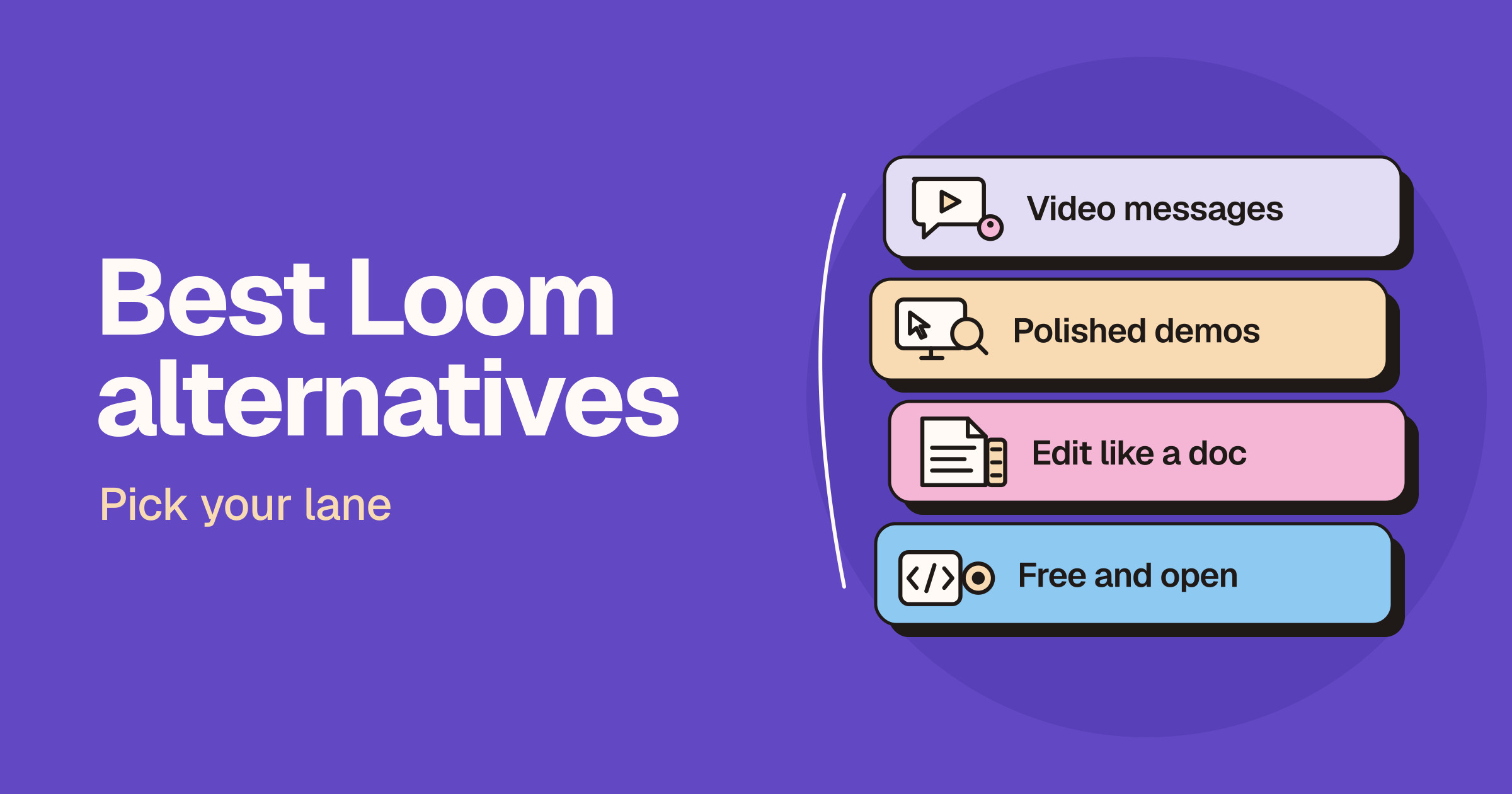
Short answer: the best Loom alternative depends on what you send. For quick async video messages with a share link, try Zight, or Vidyard if you sell by video. For polished product demos and tutorials, use Tella, Screen Studio on a Mac, or Recordel in your browser. If you want to edit a recording like a document, use Descript. For a free or open source option, Cap is the closest like-for-like swap, and OBS Studio is free for recording to a file.
Sponsored
Your tool here: sponsor this list
Fixed $149/month on Video & voice. A subscription, not Claim #1.
Pin this category · $149/moThis guide is for founders, support and sales teams, educators and creators who use or are evaluating Loom and want to know what else is worth trying. Loom does screen and camera recording, instant share links, comments and AI summaries in one place, so the right replacement depends on which of those jobs matters most to you. We sort the options by lane for that reason. Claims below come from each vendor’s own product, pricing and help pages and are attributed to the vendor. We do not print prices on Unloc, and screen recorders change their plans, limits and AI credits often, so check each live pricing page before you pay. If you are already down to two tools, read our Loom vs Tella and Screen Studio vs Loom head-to-heads.
Quick answer: pick your lane
| Lane | What you want | Start with |
|---|---|---|
| Async video messages | Record, get a link, and send it to a teammate or customer | Zight |
| Sales video | Personal video outreach with viewer tracking for a revenue team | Vidyard |
| Polished demos and tutorials | Zooms, layouts and clean edits for videos you publish | Tella, Screen Studio, Recordel |
| Edit like a doc | Cut a recording by editing its transcript, with AI clean-up | Descript |
| Free and open source | Open code, self-hosting, or free recording to a file | Cap, OBS Studio |
Why people look for a Loom alternative
We are not quoting survey numbers, because we have none. The reasons we see are practical.
- Free plan limits. Loom’s pricing page caps how many videos each person can keep and how long each recording can be on its free Starter plan, and puts unlimited videos and recording time on paid plans.
- AI features sit on a higher plan. The same page lists Loom AI features such as auto titles, summaries, chapters and filler word removal on its Business + AI plan.
- Polish. Loom is built for fast messages. People making product demos, courses or launch videos often want automatic zooms, layouts and a fuller editor.
- Ownership and privacy. Some teams want open source code, their own storage, or recordings that never leave the device.
To be fair to Loom, its homepage says you can record your screen and camera with its Chrome extension, desktop app or mobile app, trim and stitch clips in its editor, and share or embed videos in tools such as Slack and Google Workspace, with transcripts and captions in many languages. Its pricing page also lists a free plan, so check the live pricing page before you decide whether a switch is about price or about fit.
Lane one: async video messages and sales video
Zight
Zight’s homepage says it captures what is on your screen and turns it into a video recording, a screenshot or an AI guide your team can act on, shared instantly with a secure link. It also offers Request Video: you paste a link into a ticket or chat, and the other person records their screen back without needing an account, with console logs attached. Zight lists apps for Mac, Windows, Chrome, iPhone and iPad, and Android, works with Zendesk, Intercom, Jira and Slack, and says recordings and transcripts are readable by Claude, ChatGPT or Cursor over MCP. Zight’s pricing page lists a free plan for individuals that covers recording videos, requesting videos and sharing screenshots, with unlimited uploads and recording time on paid plans.
- Good for: support, success and internal IT teams that swap screenshots and short screen videos all day.
- Watch for: recording time and AI actions depend on your plan, so check the live pricing page.
Vidyard
Vidyard focuses on sales. Its homepage describes video messaging for your entire revenue team, plus video hosting, AI avatars and a Video Agent that sends personalised videos automatically. Vidyard’s pricing page lists a free plan for video messages with a monthly recording limit, and paid plans that add unlimited recording, full video analytics, a branded sharing page, call-to-action templates and password-protected videos.
- Good for: sales reps and revenue teams who send personal videos to prospects and want to see who watched.
- Watch for: it is built around sales outreach, so internal teams may find a simpler messaging tool fits better.
Lane two: polished demos and tutorials
Tella
Tella describes itself on its homepage as all-in-one video creation: record, edit and share long videos, shorts, product demos and video messages. It lists native apps for macOS and Windows, a Chrome extension and the web, a timeline and transcript editor, dynamic layouts, zoom effects and audio enhancement, and a Tella Agent that cuts filler words and long pauses, adds subtitles, switches layouts or clips a short from a chat. Tella’s pricing page lists paid plans, and its homepage says every account starts with a free trial of the Pro plan with no credit card required.
- Good for: founders, marketers and educators who publish demos and tutorials and want them to look produced.
- Watch for: there is a free trial rather than a free plan, and the agent runs on monthly credits. Our Loom vs Tella guide goes deeper.
Screen Studio
Screen Studio calls itself the screen recorder for Mac that handles the hard parts: zooms, motion, sound and framing. Its homepage says it animates every zoom automatically and lays out the frame for you, for product demos, courses, tutorials and social posts. Screen Studio’s pricing page says every feature is in every plan, including shareable links and a cloud transcript, and answers plainly that Screen Studio is not free. It offers a discount for students and educators.
- Good for: Mac users making launch videos and tutorials who want smooth, automatic zooms.
- Watch for: it is Mac only and paid only. See our Screen Studio vs Loom comparison.
Recordel
Recordel is a screen recorder and video editor that runs in your browser. Its homepage says it records your screen and camera together with no software to install, adds smooth zooms, 3D angles and hand-drawn annotations, and exports MP4 or WebM files locally, with zero cloud upload, so your recording stays on your device. It says you can start recording for free with no sign-up or credit card, and lists a free plan with a small watermark and a paid plan for higher resolution exports.
- Good for: people who want Screen Studio style polish on any computer with a browser, and teams that prefer recordings to stay on the device.
- Watch for: it exports files rather than hosting share links, so you send or upload the video yourself.
Lane three: edit a recording like a doc
Descript
Descript says editing video in it is as easy as using docs and slides. Its screen recorder page says you can record your screen, webcam and microphone, edit the recording straight away, and publish a Descript link with an embedded player, with instantly shareable screen recordings in its desktop app. Descript lists AI tools such as Underlord, its AI co-editor, Studio Sound and Remove Filler Words. Descript’s pricing page lists a free plan to try text-based editing and its AI tools, and paid plans with more media hours and AI credits.
- Good for: people who record walkthroughs, webinars or podcasts and then want to cut them into something tighter.
- Watch for: it is a full editor, so it is more than you need for a quick message. Our Riverside vs Descript and Descript vs CapCut guides cover its editing in more depth.
Lane four: free and open source
Cap
Cap’s homepage calls it the open source screen recorder for everyone, and runs on Mac, Windows and Linux. In Instant Mode it uploads while you talk and copies a share link when you stop. In Studio Mode it records locally with separate screen, camera and mic tracks for editing with backgrounds, automatic zoom and cursor effects. Every recording gets a page with comments, reactions, a transcript and chapters, viewers need no account, and Cap offers a Loom library import and self-hosting. Cap’s GitHub page says most of the code is under the AGPLv3 licence, with some parts under MIT. Its pricing page lists a free plan for personal use with a limited number of share links, and paid options for commercial use and unlimited cloud sharing.
- Good for: anyone who wants a Loom-style workflow with open source code, or teams that want to host recordings themselves.
- Watch for: the free plan is for personal use only, so work use needs a licence or paid plan. Check the live pricing page.
OBS Studio
OBS Studio’s homepage describes it as free and open source software for video recording and live streaming on Windows, Mac and Linux. You build scenes from sources such as window captures, webcams, images and browser windows, switch between them with transitions, and mix audio with filters such as noise suppression.
- Good for: people who want free, unlimited recording with full control, including streamers and course creators.
- Watch for: it records to a file and does not host videos or create share links, and it takes some setup to learn.
How to choose
- Decide link or file. If you need a link the moment you stop recording, pick a tool that hosts videos, such as Zight, Vidyard, Tella or Cap. If a file is fine, Recordel and OBS Studio work well.
- Match the polish to the audience. Quick replies to teammates need speed. Videos for customers or the public benefit from zooms, layouts and edits.
- Check your platforms. Screen Studio is Mac only, while Cap and OBS Studio run on Mac, Windows and Linux, and Recordel runs in a browser.
- Read the AI terms. Compare which plan includes transcripts, summaries and filler word removal, and how AI credits are metered.
- Check the live pricing page. Plans, recording limits and seat prices change often, so confirm before you pay or move a team.
For more options, browse the AI Video and Audio category on Unloc.
FAQ
What is the best free alternative to Loom?
Cap is the closest free swap, with share links and a free plan for personal use. OBS Studio is free and open source if you are happy to record to a file. Zight, Vidyard and Descript also list free plans with limits, so check each live pricing page.
Is there an open source alternative to Loom?
Yes. Cap describes itself as an open source screen recorder, with most of its code under the AGPLv3 licence, and you can self-host it. OBS Studio is also free and open source, but it records to a file rather than creating share links.
What is the best Loom alternative for Mac?
Screen Studio is built only for Mac and suits polished demos with automatic zooms. Cap, Tella and Zight also have Mac apps, and Screen Studio’s own pricing page notes that macOS includes the Screenshot toolbar and QuickTime Player for free raw captures.
Which Loom alternative is best for sales teams?
Vidyard is built for revenue teams, with video messaging, viewer analytics, branded sharing pages and call-to-action templates on its paid plans. Zight suits support teams that want customers to record their screen back to them.
Can I move my Loom videos to another tool?
Cap offers an import for your Loom library. Loom’s pricing page lists video downloads on its paid plans, so you can also download videos and upload them elsewhere. Test with a few videos first, because comments and analytics may not carry over.
Submit a tool if it belongs on the board. Listings are reviewed before they go live.
Share your learnings on socials
Other resources
View all
Qwen4-Max: what Alibaba launched and who should try it
Alibaba announced Qwen4-Max on November 16, 2026: a 2.4-trillion-parameter Qwen model with native vision, a one-million-token context and lower cost per task. Here's what's new, where you can use it, what it costs and how it compares with ChatGPT, Claude and Gemini.

DeepSeek vs ChatGPT: which AI assistant should you use?
Pick ChatGPT for the more complete assistant app with images, voice, projects and agents. Pick DeepSeek for chat with search and deep thinking, a low-cost OpenAI-compatible API and MIT-licensed open weights, and read its privacy policy first.

ChatGPT Wallet: how agent payments work and who can use it
OpenAI announced ChatGPT Wallet on November 13, 2026: agents in ChatGPT can pay for you with a one-purchase payment token after you approve with Face ID or a fingerprint. Here's how it works, who can use it, what shops need to change and how it compares with Gemini and Claude.