

Gemini 4 Neon: what's new and who can use it
7 min read
Last updated November 19, 2026. How we cover news: we write from the official announcement and docs (linked below) and point you to the tools on Unloc. Not sponsored.

Short answer: Google announced Gemini 4 Neon on November 18, 2026. It is a new middle model in the Gemini 4 family, built to get close to Gemini 4 Carbon on complex coding, analysis and science work while running faster and costing less per task. You can use it in the Gemini app on Google AI Pro and Ultra, in Google Antigravity, and on the paid tier of the Gemini API, but not on free plans.
Sponsored
Your tool here: sponsor this list
Fixed $149/month on Draft with AI. A subscription, not Claim #1.
Pin this category · $149/moIf you use Gemini, write code in Cursor or GitHub Copilot, or build on Google's models, Neon is now the model Google points to for demanding work you do every day. Below we cover what Google announced, where Neon sits next to Carbon and Hydrogen, who can use it, what it costs in the API, how it compares with ChatGPT and Claude models, and what it means when you are choosing tools. We worked from Google's launch post, the Gemini API docs and release notes, the model card, the Gemini Apps help page and GitHub's, Cursor's and Vercel's release notes.
What Google announced
In its launch post on November 18, 2026, Google DeepMind's Koray Kavukcuoglu introduced Gemini 4 Neon as "frontier-level intelligence with fast end-to-end task completion across complex software engineering, knowledge work, and science workflows". The Gemini API release notes list gemini-4-neon as generally available the same day, and the model card says Neon is adapted from Gemini 4 Carbon.
Google describes the family like this: Carbon is for your hardest, long-horizon projects, Hydrogen handles fast everyday execution, and Neon "balances depth and efficiency" for complex work you do often. It arrives six days after Gemini 4 Hydrogen and three weeks after Carbon was first announced.
What's new in Gemini 4 Neon
The figures below come from Google's own launch post and its chosen benchmarks, so treat them as the vendor's claims until independent testing catches up.
- Close to the top for less. Google says Neon scores 61 on the Artificial Analysis Intelligence Index at its highest thinking level, third overall behind larger, slower models, and that at its default setting it costs 32% less per task than Carbon.
- Strong at agentic coding. Google reports Neon ranking first on the Artificial Analysis Coding Agent Index (58.6) and scoring 65.2% on Terminal-Bench 4.1, with targeted edits for multi-file debugging and refactoring and fewer redundant file reads in long sessions.
- Work documents and analysis. Neon can read spreadsheets, PDFs, charts, audio and video in one 1 million token context window and turn them into structured deliverables. Google says it ranks first on the Vals Legal Research and Tax Agent benchmarks and on Zapier's AutomationBench.
- Fewer made-up answers. Google says Neon recorded its lowest fabrication rate yet in internal Google Antigravity testing, and took shortcuts on 2.45% of tasks in its coding cheating test, the lowest of any Gemini 4 model.
- Four thinking levels. The developer guide lists low, medium, high (the default) and xhigh, so you can trade speed and token use against depth for each job.
A version for security work, Gemini 4 Neon for cyber, is going only to vetted defenders through Google's Fairwind Program, so most people and companies will not get those extra capabilities.
Who can use it
- Gemini app. Google's Gemini Apps help page lists Neon for Google AI Pro and Ultra subscribers in both chats and Tasks, with Carbon on Ultra only. With no plan or on Google AI Plus you get Hydrogen. Auto mode picks Hydrogen or a lighter model, so you need to choose Neon from the model menu to use it.
- Gemini API and Google AI Studio. Neon is on the paid tier of the Gemini API only, through generateContent and the Interactions API, and Google AI Pro and Ultra subscribers can try it in AI Studio. Google says it is also in Android Studio.
- Google Antigravity. Google says Neon is rolling out to paid Google AI Pro and Ultra subscribers in the Antigravity desktop app, CLI and IDE extensions. A new Orchestrator option uses Neon to plan and Hydrogen to carry out routine edits and test runs in the same session.
- Gemini for business. Companies can use Neon through the API or the model menu, and in Antigravity.
- Coding tools. GitHub says Neon is generally available to Copilot Pro+, Max, Business and Enterprise users with a gradual rollout, Cursor lists it in its model docs, and Vercel says developers can call it through its AI Gateway.
What it costs in the API
Price is part of this launch. At launch, Google listed Gemini 4 Neon at $3 per million input tokens and $15 per million output tokens, with thinking tokens billed as output, and $0.15 per million for cached input. There is one flat rate across the whole 1 million token window. Neon uses implicit caching only, and it is not available on the free tier. For context, Google's pricing page lists Hydrogen at $1.50 and $7.50 per million tokens, and Carbon at $2 and $10 until November 30, 2026, rising to $4 and $20 from December 1. So for the rest of November, Carbon's per-token rate is lower than Neon's; Google's 32% saving is a per-task figure from its own testing, not a per-token one. Prices can change, so check the live Gemini API pricing page before you budget. In the Gemini app you don't pay per token: Neon draws on your plan's usage limits, and Google says bigger models and higher thinking levels use more of them.
How it compares with ChatGPT and Claude models
Neon's list price sits between the mid-tier and top models from OpenAI and Anthropic. OpenAI's GPT-6.2 Sol and Anthropic's Claude Sonnet 5.5 are both listed at $2 and $10 per million tokens, a little below Neon, while their top models, GPT-6.2 Astra and Claude Fable 5.2, are listed at $8 and $40. Google's pitch is that Neon gets near frontier results at closer to mid-tier cost, but those comparisons come from Google's chosen benchmarks, and OpenAI and Anthropic report their own. The only fair test is your own work.
For everyday users the bigger choice is still which app fits how you work. Our ChatGPT vs Gemini and Claude vs Gemini comparisons cover the apps side by side, and our Gemini 4 Carbon explainer covers Google's strongest model. If you mostly code, our Claude Code vs Cursor comparison covers two popular tools that let you pick between models.
What it means if you're choosing tools
If you pay for Google AI Pro, Neon is the biggest change: until now Pro subscribers did not get Carbon in the Gemini app, and Neon gives them a model close to it for reports, research and analysis. Choose it manually for the heavier jobs and leave Auto on for quick questions, since bigger models use more of your limits. Ultra subscribers can keep Carbon for the hardest, longest tasks and try Neon as a faster default.
If you code in Cursor or GitHub Copilot, Neon is one more option in the model picker, so try it on a real task in your own codebase before you make it your default. If you build on the Gemini API, moving from another Gemini 4 model needs no request changes beyond the model ID, but the migration checklist notes that Neon defaults to the high thinking level, does not support explicit caching and needs a paid tier project. Teams on OpenAI or Anthropic models do not need to switch today, but at this price it is worth adding Neon to your next evaluation.
FAQ
What is Gemini 4 Neon?
Gemini 4 Neon is a Google AI model announced on November 18, 2026. It is adapted from Gemini 4 Carbon and built for complex coding, analysis and science work that needs strong reasoning but also has to run quickly and at a lower cost per task.
How is Gemini 4 Neon different from Carbon and Hydrogen?
Google positions Carbon for the hardest, long-running projects and Hydrogen for fast everyday tasks. Neon sits between them. Google says it gets close to Carbon's results at a lower cost per task, and in the API it costs more per token than Hydrogen.
Can I use Gemini 4 Neon for free?
No. In the Gemini app, Neon is listed for Google AI Pro and Ultra subscribers, while free users and Google AI Plus get Hydrogen. In the Gemini API, Neon is available on the paid tier only.
How much does Gemini 4 Neon cost in the API?
At launch, Google listed Gemini 4 Neon at $3 per million input tokens and $15 per million output tokens, including thinking tokens, with cached input at $0.15 per million. Prices can change, so check Google's live Gemini API pricing page.
Can I use Gemini 4 Neon in Cursor or GitHub Copilot?
Yes. Cursor lists Gemini 4 Neon in its model docs, and GitHub says it is generally available to Copilot Pro+, Max, Business and Enterprise users, rolling out gradually across VS Code, JetBrains, the Copilot CLI, the coding agent and more.
Submit a tool if it belongs on the board. Listings are reviewed before they go live.
Share your learnings on socials
Other resources
View all
Buffer vs Hootsuite: which social media tool should you use?
Pick Buffer for simple, low-cost scheduling with a free plan, ideal for creators and small teams. Pick Hootsuite for a full team suite with a shared inbox, social listening, competitor tracking and approvals, priced per user.
GPT-6.2 Astra and Sol: what's new and who can use it
OpenAI announced GPT-6.2 Astra and GPT-6.2 Sol on November 17, 2026: a new top model for hard projects and a cheaper everyday model. Here's what's new, who can use it in ChatGPT Work, Codex, the API and GitHub Copilot, what it costs and how it compares.
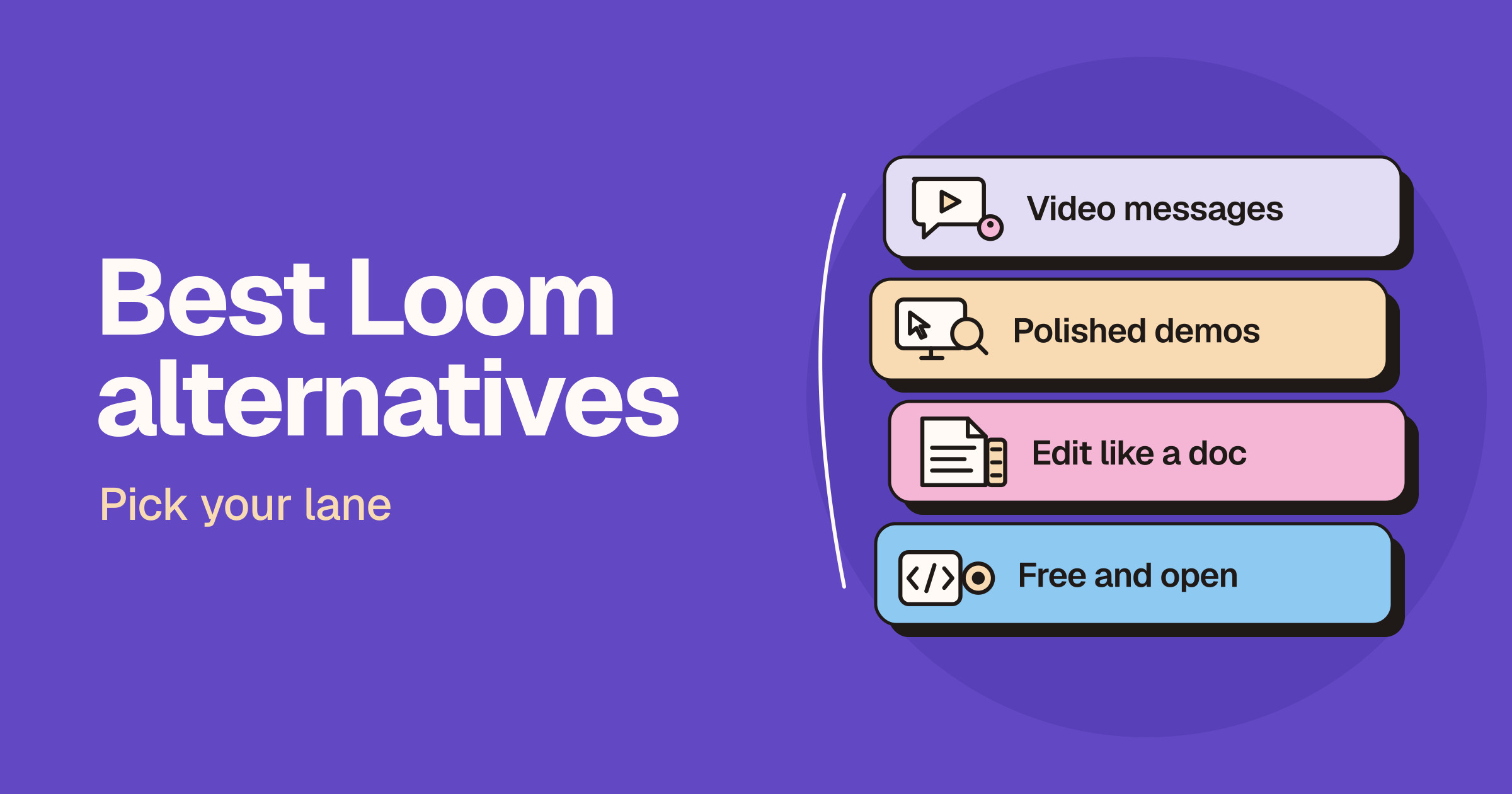
Best Loom alternatives: free and paid screen recorders
The best Loom alternative depends on the job: Zight and Vidyard suit async messages and sales video, Tella, Screen Studio and Recordel suit polished demos, Descript suits editing like a doc, and Cap and OBS Studio suit free and open source setups.