

Pipedrive vs HubSpot: which CRM is better for your team?
6 min read
Last updated November 23, 2026. How we pick: we compare the job each tool is for, from public product pages, not a paid ranking.
Short answer: pick Pipedrive if you want a focused, visual sales pipeline that a small sales team can learn quickly, with AI help built in and add-ons only when you need them. Pick HubSpot if you want a free CRM to start with and plan to run marketing, sales and customer service from one platform as you grow. Pipedrive is a sales CRM first; HubSpot is a full customer platform with a free CRM at its centre.
Sponsored
Ramp AI · Featured
This comparison is for founders, sales leads and small business owners choosing their first proper CRM, or moving off spreadsheets. Everything below comes from each company’s own website: Pipedrive’s homepage, features and pricing pages, and HubSpot’s free CRM and Sales Hub pages. We do not print prices, because both companies change plans and offers often, so check the live pricing pages before you buy.
Quick comparison
| Pipedrive | HubSpot | |
|---|---|---|
| What it is | A sales CRM built around the deal pipeline | A customer platform: free CRM plus marketing, sales, service, content and more |
| Free option | Free trial, no credit card required; no free plan | Free CRM with no expiry, no credit card required |
| Pricing model | Per seat, four plans, plus paid add-ons | Per seat, by hub and edition (Starter, Professional, Enterprise) |
| AI | AI sales assistant, AI email writer and summariser, AI reports, meeting intelligence | Breeze Assistant, AI content writer, deal scoring, AI guided selling, HubSpot Notetaker |
| Marketing | Campaigns add-on for email marketing | Full Marketing Hub |
| Integrations | Hundreds of apps in its Marketplace, plus Pipedrive MCP | Thousands of apps in the HubSpot Marketplace |
| Best for | Sales teams that live in the pipeline | Teams that want marketing, sales and service in one place |
Pipedrive: a sales CRM built around the pipeline
Pipedrive calls itself “the easy and effective CRM for closing deals”. Its homepage says it lets you track your sales pipeline, manage leads and deals with AI and automate your sales process, and its features page covers pipeline management, lead management, sales automation, email sync and tracking, reporting, meeting intelligence and a mobile app. Everything is organised around the deal board, which is why sales teams tend to find it quick to pick up.
On AI, Pipedrive lists an AI sales assistant that surfaces insights from your data, flags patterns such as reasons for lost deals, and answers questions in plain language. It also has an AI email writer and summariser and AI reporting, where you type the report you want. Pipedrive MCP lets AI tools connect to your CRM data.
Pipedrive has no free plan, but it offers a free trial with no credit card. Its pricing page lists four plans (Lite, Growth, Premium and Ultimate), priced per seat. Higher plans add full email sync, automations and nurturing sequences, lead routing, custom scoring, contracts with e-signatures and stronger security controls. Lead capture (LeadBooster), Projects and email marketing (Campaigns) are paid add-ons, so check what you need before comparing totals.
HubSpot: a free CRM inside a full customer platform
HubSpot’s free CRM is described as “100% free with no expiration date”, with no credit card required. It includes contact management, deals and pipelines, tasks, reporting dashboards, ticketing, payment links, email tracking and templates, a shared inbox, a chatbot builder and the mobile app. AI is included too: the Breeze Assistant can research companies, prep for sales calls and summarise CRM records, and there is an AI content writer.
The real difference is what sits around the CRM. HubSpot sells separate hubs for marketing, sales, customer service, content, data and revenue (quotes, billing and payments), all on the same platform and the same customer records. Its Sales Hub adds AI deal scoring, AI guided selling, HubSpot Notetaker for meetings, playbooks, forecasting and conversation intelligence on paid editions. Paid editions are priced per seat as Starter, Professional and Enterprise, and HubSpot says you can upgrade without moving your data.
If you already use HubSpot for marketing, read our Mailchimp vs HubSpot and Klaviyo vs HubSpot comparisons too.
Ease of use
Pipedrive is built for salespeople first. The deal board is the main screen, and most features exist to move deals along it, so there is less to learn. HubSpot’s free CRM is also easy to start with, and it runs in the browser with setup guides, but the wider platform has many more menus, tools and settings once you add hubs. If your team only sells, Pipedrive usually feels simpler. If several teams will share the CRM, HubSpot’s extra depth is the point.
Pricing and free options
HubSpot wins on getting started for nothing: its free CRM has no time limit. Pipedrive gives you a free trial, then you pick a paid plan. Both charge per seat on paid plans. Pipedrive’s costs grow with seats and add-ons; HubSpot’s grow with seats, hubs and editions, and its more advanced sales and marketing features sit on the higher editions. HubSpot also shows a discount for new customers on some Starter plans. Model your real team size on both live pricing pages, Pipedrive pricing and HubSpot pricing, before you decide.
AI features
Both now ship AI throughout. Pipedrive’s AI is aimed at sellers: insights and next steps from the sales assistant, writing and summarising emails, AI reports and meeting intelligence. HubSpot’s AI covers more ground because the platform does: the Breeze Assistant in the free CRM, deal scoring and guided selling in Sales Hub, an AI customer agent on higher editions, and AI agents you can manage across the platform. If you want AI mainly to help reps sell, both work. If you want AI agents in marketing and support too, HubSpot goes further.
Which should you choose?
Choose Pipedrive if you run a small or mid-sized sales team, you want a clear pipeline view everyone actually uses, and you do not need a full marketing suite in the same tool.
Choose HubSpot if you want to start free, you plan to add marketing automation, customer service or content tools later, or you want one set of customer records across every team.
Still weighing other CRMs? See Attio vs HubSpot for a flexible, startup-style option and Zoho vs Salesforce for the larger suites. You can also browse HubSpot on Unloc.
FAQ
Is Pipedrive better than HubSpot?
Neither is better for everyone. Pipedrive is the stronger pick for a team that mainly sells and wants a simple, pipeline-first CRM. HubSpot is the stronger pick if you want a free CRM to start with and plan to run marketing, sales and service on one platform.
Does Pipedrive have a free plan?
No. Pipedrive offers a free trial with no credit card required, then paid plans priced per seat. HubSpot’s CRM has a free plan with no expiry date.
Is HubSpot CRM really free?
Yes. HubSpot says its free CRM is free with no expiration date and no credit card required. It covers contacts, deals, pipelines, tasks, reporting and some AI. Paid Starter, Professional and Enterprise editions add more features, seats and limits.
Which is easier to use, Pipedrive or HubSpot?
Pipedrive is usually quicker to learn for salespeople because it centres everything on the deal board. HubSpot is easy to start with too, but the full platform has more tools and settings to learn as you add hubs.
Can I switch from Pipedrive to HubSpot, or the other way?
Yes. Both support importing data: HubSpot lists CRM import from another tool, and Pipedrive says you can import from a spreadsheet or another CRM. Export your contacts, companies and deals first, and test the import with a small batch.
Submit a tool if it belongs on the board. Listings are reviewed before they go live.
Share your learnings on socials
Other resources
View all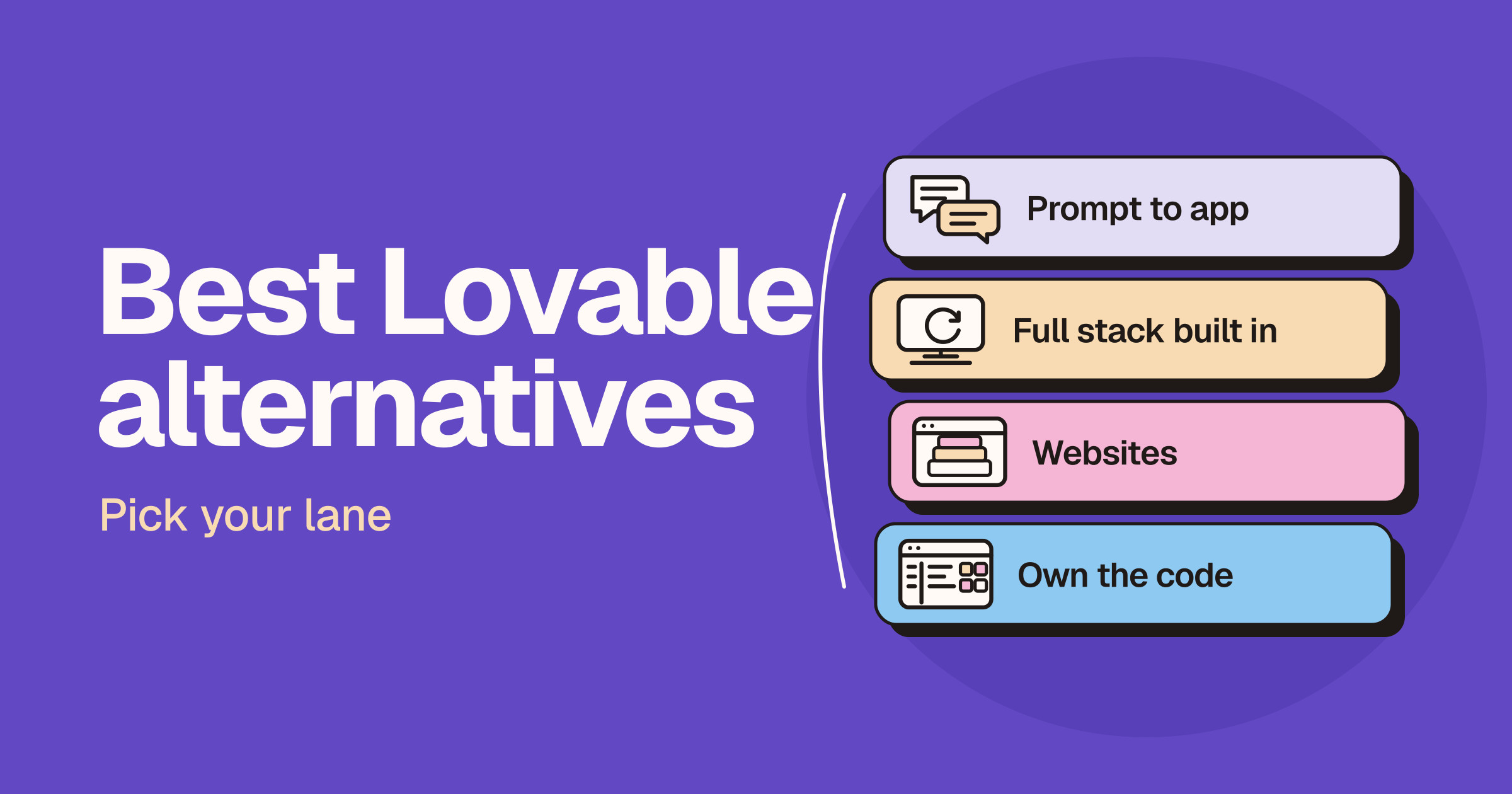
Best Lovable alternatives: free and paid AI app builders
The best Lovable alternative depends on the project: Bolt for the closest swap, v0 for Next.js on Vercel, Replit for a built-in backend, Framer for websites, and Cursor or Claude Code if you want to own the code.
Semrush vs Moz: which SEO tool should you use?
Pick Semrush for an all-in-one platform covering SEO, AI search visibility, local, content, social and ads. Pick Moz for focused, easier SEO tools with Domain Authority and a lower entry price.

ChatGPT for Accounting: what it does and who can use it
OpenAI announced ChatGPT for Accounting on November 18, 2026: an Accounting plugin plus QuickBooks, Xero, NetSuite and other partner plugins for month-end work. Here's what it does, which apps connect, who can use it and how it compares.