

ChatGPT Space: what it is and who can use it
8 min read
Last updated November 23, 2026. How we cover news: we write from the official announcement and docs (linked below) and point you to the tools on Unloc. Not sponsored.
Short answer: ChatGPT Space is OpenAI's shared workspace inside ChatGPT for pages, slides, sites, images and files, where you and invited collaborators can build documents with ChatGPT and set them to update themselves from your connected apps. OpenAI started rolling it out globally to ChatGPT Plus users aged 18 and older on November 20, 2026, after launching it for Pro, Business and Enterprise on September 29. Free users cannot create in Space or open pages shared from it, and public links are not available.
Sponsored
This spot is open.
- Pinned at the top of Draft with AI
- Highlighted on the home page
- Fast review
If you pay for ChatGPT Plus, a new Space item has replaced Library in your sidebar, and it changes what ChatGPT is for: less a chat window you copy answers out of, more a place where finished work lives and keeps getting updated. Below we cover what OpenAI announced, what you can make in Space, who can use it and its limits, what to check before you share a page, and how it compares with Notion, Claude and Gemini. Everything here is official: we worked from OpenAI's release notes, its help centre articles on Space, Slides and Sites, its Space product page and its launch post on X.
What OpenAI announced
On November 20, 2026, the official ChatGPT account posted "Plus users, welcome to Space", describing it as a way to "collaborate with others alongside ChatGPT to create interactive pages, slides, and sites", adding that "ChatGPT can keep them updated for you". The same post said you can now edit on mobile and that OpenAI has made Space smoother and more reliable.
OpenAI's release notes for that day say Space is rolling out globally to Plus users aged 18 and older, and that it replaces Library as the home for pages, slides, images and uploaded files. It works on the web, in the desktop app, and on iOS and Android. This is an expansion rather than a brand new product: according to the same release notes, OpenAI first introduced Space and Pages for eligible Pro, Business and Enterprise users on September 29, 2026, alongside dots, its always-on agents, and added Slides on October 16.
What you can make in Space
OpenAI's getting started guide describes a space as a folder of related work, with a personal space for everyone and extra spaces for a topic or a team. Inside, you work with four kinds of content.
- Pages. Editable documents you can start from a chat, a template or a blank page. ChatGPT can write, research, add images and build charts, trackers and small interactive tools on the page, and you can nest subpages under a parent page.
- Slides. OpenAI's Slides guide says ChatGPT can build an editable deck from a conversation, files or an outline, and you can present it from ChatGPT or export it to PowerPoint, PDF or Google Slides on the web.
- Sites. The Space product page says you can build a website or web app for a project or event. OpenAI's Sites guide adds that building or editing a site counts toward your Codex usage, while hosting and traffic are measured separately.
- Files and images. Uploads and images you create now live in Space too, with your own creations kept apart from uploads. OpenAI says spreadsheets, which it calls Sheets, are coming soon.
The part that sets Space apart is upkeep. OpenAI says you can set pages and slides to update automatically from your connected apps and tools by creating an automation that says what to update, which sources to use and how often to run. Its examples include a to-do list that refreshes as feedback arrives and a project plan that stays current with decisions from Slack. You can also select text and comment to ask ChatGPT for a change, or tag it in a comment, and if you have a dot you can invite it to help as well.
Who can use it, and what the limits are
According to OpenAI's help centre, you can create and edit in Space on ChatGPT Plus, Pro, Business and Enterprise, and you must be 18 or older to start using it. The rollout to Plus is gradual, so if you do not see Space yet, update the desktop app and check again later. OpenAI lists Space as available on those plans and has not announced a separate charge for it; check the live pricing page for current plan prices.
- Sharing needs a paid account. To open a shared page or deck, the other person needs permission and a Plus, Pro, Business or Enterprise account with Space access. People on Free cannot open shared pages, and public links are not available.
- Message limits still apply. If you reach your Plus message limit, you can keep editing pages and slides by hand, but not with ChatGPT's help until the limit resets.
- Dots are not included on Plus. OpenAI's Space page says dots are available on Pro, Business Premium and Enterprise plans in eligible markets, so Plus users get Space without an always-on agent.
- Some workspaces wait. OpenAI says Space is coming soon for Business and Enterprise workspaces with data residency in Canada or the United Arab Emirates, and in managed workspaces your organisation's sharing settings decide what you can share.
What to check before you share a page
Sharing in Space is more granular than sharing a chat, and OpenAI's guide spells out a few rules worth knowing. Each collaborator works with their own ChatGPT, and sharing a page does not give anyone access to your private chats or your Memory. But anything written onto the page is visible to everyone who can view it, including details ChatGPT pulled in from Memory or summarised from a source the reader cannot open themselves.
Access is also inherited. Subpages take their permissions from their parent page or space, so removing someone's direct invitation does not remove access they get through a parent. Linked files keep the permissions of the service they live in, while files uploaded into a page follow the page. Finally, training settings are per person: OpenAI says that if you turn training off but a collaborator has it on, your contributions may still be used for training through their use of the page. OpenAI does not train on ChatGPT Business or Enterprise data by default.
How it compares with Notion, Claude and Gemini
Space puts ChatGPT in direct competition with workspace apps. Notion already pairs pages and databases with AI: its Notion Agent can create and edit pages and databases using context from your workspace and connected apps, and Custom Agents can run recurring work on a trigger or schedule, with the full agent features on its Business plan. Notion is the more established home for team knowledge, with databases and granular permissions, while Space has the advantage if your team already does most of its thinking in ChatGPT. Our best Notion alternatives guide covers the wider field.
Anthropic made a similar move in November. As we covered in our Claude Sheets, Whiteboards and Meetings explainer, Claude added shared Sheets and Whiteboards in beta on paid plans, so Claude already has shared spreadsheets while ChatGPT's Sheets are still coming soon. Google's Gemini Canvas turns prompts and Deep Research reports into documents, web pages, quizzes and small apps, and Google says it is available to all Gemini users, but it is aimed at creating and sharing a single piece of work rather than a shared workspace that updates itself.
For polished presentations, dedicated tools such as Gamma and Canva still offer more design control; our Gamma vs Canva comparison covers those. If you are weighing the assistants themselves, see Claude vs ChatGPT and ChatGPT vs Gemini, and for always-on agents like dots, our Grok Bot vs OpenAI Dots comparison.
What it means if you're choosing tools
If you already pay for ChatGPT Plus, OpenAI has not announced any extra charge for Space, so the best first test is a document you update every week anyway, such as a project tracker or a weekly metrics deck. Set up one automation, check what it changes for a couple of weeks, and only then share it more widely.
The biggest catch for teams is the sharing rule: everyone who opens a page needs a paid ChatGPT plan with Space access, and there are no public links. That makes Space a good fit for a small group that all pay for ChatGPT, and a poor fit for sharing documents with clients or a mixed team, where Notion, Google Docs or a published site are still easier. Before you move important work in, check your collaborators' training settings and remember that anything on a shared page is visible to everyone with access.
FAQ
What is ChatGPT Space?
ChatGPT Space is the home for pages, slides, sites, images and uploaded files in ChatGPT. You can create and edit work with ChatGPT, share it with collaborators who edit in real time, and set pages and slides to update automatically from your connected apps. It replaces Library in the sidebar.
Is ChatGPT Space available on the Plus plan?
Yes. OpenAI announced on November 20, 2026 that Space is rolling out globally to ChatGPT Plus users aged 18 and older. The rollout is gradual, so some Plus accounts may not see it yet. It was already available to eligible Pro, Business and Enterprise users.
Can Free ChatGPT users use Space?
No. Space is available on Plus, Pro, Business and Enterprise. People on Free cannot create in Space or open pages and presentations shared with them, and public links are not available.
Does sharing a ChatGPT Space page share my chats or memory?
No. OpenAI says collaborators cannot see your private chats or your Memory. However, anything written onto a shared page is visible to everyone who can view it, and each collaborator's own training and Memory settings apply when their ChatGPT reads the page.
What is the difference between Space and Projects in ChatGPT?
Projects organise chats, files and instructions for your own work with ChatGPT, and they stay separate. Space is where you create and share finished work such as pages, slides and sites. Creating a space does not replace your existing Projects.
Submit a tool if it belongs on the board. Listings are reviewed before they go live.
Share your learnings on socials
Other resources
View all
Pipedrive vs HubSpot: which CRM is better for your team?
Pick Pipedrive for a focused, pipeline-first sales CRM a small team can learn fast. Pick HubSpot to start with a free CRM and grow into marketing, sales and service on one platform.
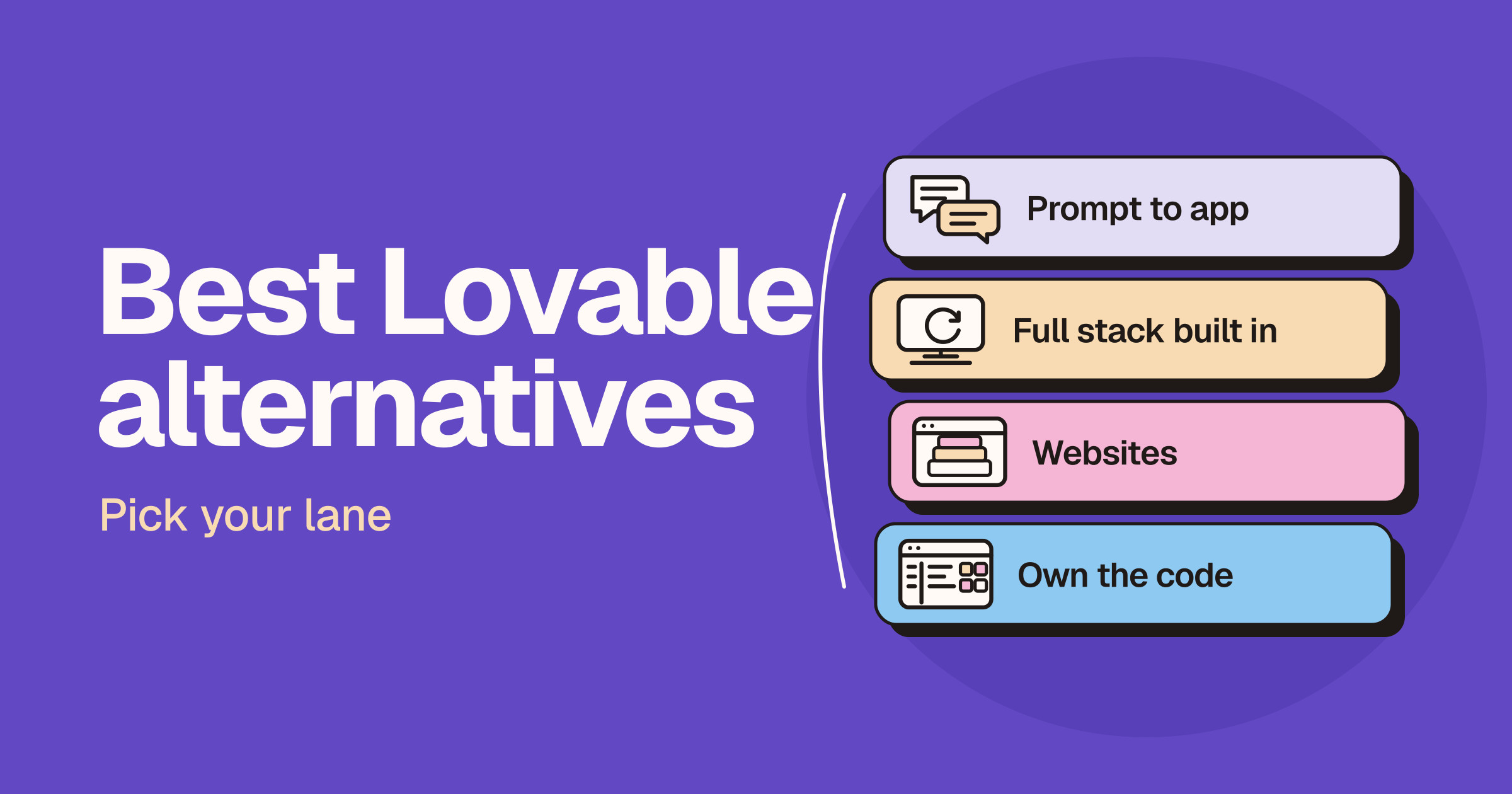
Best Lovable alternatives: free and paid AI app builders
The best Lovable alternative depends on the project: Bolt for the closest swap, v0 for Next.js on Vercel, Replit for a built-in backend, Framer for websites, and Cursor or Claude Code if you want to own the code.
Semrush vs Moz: which SEO tool should you use?
Pick Semrush for an all-in-one platform covering SEO, AI search visibility, local, content, social and ads. Pick Moz for focused, easier SEO tools with Domain Authority and a lower entry price.