

Best Figma alternatives: free, open source and paid picks
6 min read
Last updated November 24, 2026. How we pick: we compare the job each tool is for, from public product pages, not a paid ranking.
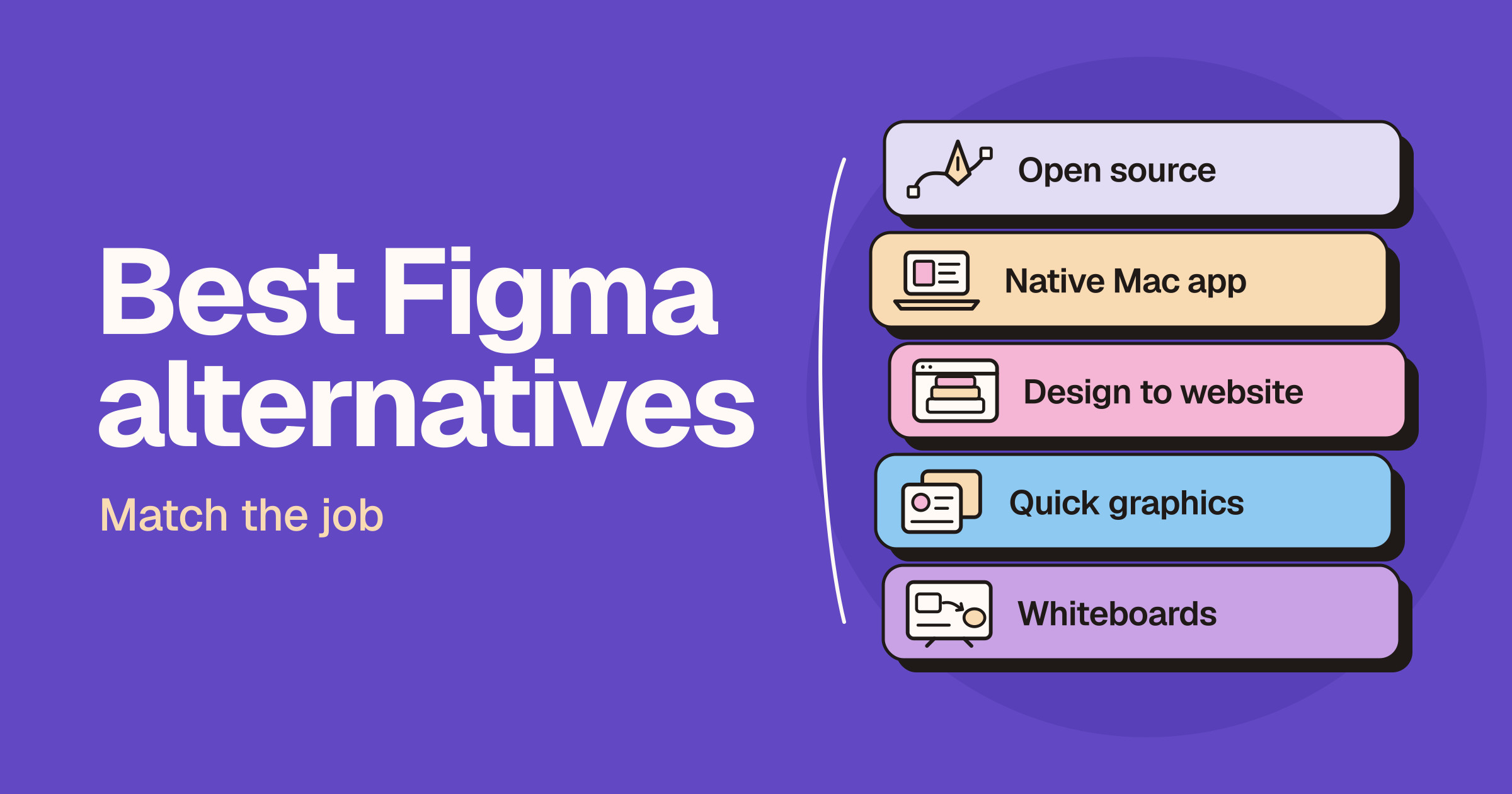
Short answer: the best Figma alternative for most teams is Penpot: it is open source, runs in the browser, has a free plan its makers call fully featured, and you can self-host it. Pick Sketch if you design on a Mac and want a native, offline-friendly app. Pick Framer if what you design is a website you want to publish. Pick Canva for quick graphics and presentations, and Excalidraw for whiteboards, diagrams and rough wireframes.
Sponsored
This spot is open.
- Pinned at the top of Design & Prototyping
- Highlighted on the home page
- Fast review
This guide is for designers, founders and product teams who want to move off Figma, or just want a second tool for a specific job. Figma itself still has a free Starter plan with limited access, so the right alternative depends on why you are looking: open source and self-hosting, a native Mac app, building websites, or simpler design for non-designers. Every claim below comes from each company’s own website, fetched while writing. We do not print prices because plans change often, so check the live pricing pages before you buy.
Quick comparison
| Tool | Best for | Free option | Where it runs | Open source |
|---|---|---|---|---|
| Penpot | The closest Figma swap: UI design, prototypes, design systems | Free plan, plus free self-hosting | Browser, or your own servers | Yes |
| Sketch | Mac designers who want a native app | Free trial, no credit card; no free plan | Native Mac app, with a web app for viewers | No |
| Framer | Designing and publishing websites | Free plan on a Framer domain | Browser | No |
| Canva | Quick graphics, social posts and presentations | Free plan | Browser and apps | No |
| Excalidraw | Whiteboards, diagrams and quick wireframes | Free, no account needed | Browser | Yes |
Penpot: the open source Figma alternative
Penpot describes itself as “the open-source design platform for teams that need scalable collaboration”. It covers the core of what most people use Figma for: interface design with wireframes, interactive prototypes and CSS Grid and Flex layouts, plus design systems built from components, native design tokens and shared libraries. Developers can inspect code that uses open standards such as CSS, HTML, SVG and JSON, and Penpot has an open MCP server so AI agents can design inside it.
The big draw is control. Penpot’s pricing page lists a free cloud plan described as “free and fully featured”, with paid plans that add more storage, longer version history, early features and enterprise governance. You can also self-host Penpot on your own infrastructure, including private cloud, on-premise or air-gapped setups, using options such as Docker or Kubernetes. Penpot also offers discounts for non-profits, education and open source projects.
Choose Penpot if you want something that feels like a modern collaborative design tool without being locked into one vendor. For a head-to-head, read our Penpot vs Figma comparison.
Sketch: the native Mac design app
Sketch calls itself “a toolkit made by designers, for designers”. The editor is a native macOS app with an infinite canvas, a precise vector editor, stack layouts and nestable frames, plus prototyping and developer handoff. You can work locally without an internet connection, design privately or co-edit in real time, and connect Claude, Cursor or any MCP client to your designs.
The catch is that the editor is Mac only. On the Sketch pricing page, every subscription includes the Mac app, a web app that works in any browser for free viewers (who can browse, comment, inspect and download assets) and an iPhone and iPad app for viewing designs and playing prototypes. There is also a one-time Mac-only licence for people who do not need collaboration. Sketch has no free plan, but you can start with a free trial without a credit card, and it offers a free workspace for students, teachers and education institutions.
Choose Sketch if your design team is all on Macs and you value speed, offline work and a focused app. Our Figma vs Sketch comparison goes deeper.
Framer: design and publish websites
If the thing you design in Figma is usually a website, Framer can replace both the design file and the build step. Framer describes itself as a website builder with a design agent that works directly on your site, and everything stays editable on the canvas: type, components, breakpoints and effects. Hosting, CMS, analytics, SEO and AEO are built in, so you can publish without a separate build process, and you can connect your own AI tools through MCP.
Framer’s pricing page lists a free plan that publishes on a Framer domain, with paid site plans for a custom domain, CMS collections, more bandwidth and more AI credits. Choose Framer if you want to go from layout to live site in one tool. Compare it with Figma in Figma vs Framer, or with Webflow in Webflow vs Figma.
Canva: quick design for everyone
Canva calls itself a “Visual Suite for Everyone”. It is not a UI design tool in the way Figma is, but it covers a lot of what non-designers open Figma for: social posts, presentations, documents, whiteboards, videos, print and simple websites, all starting from templates. Canva AI tools include Magic Layers, Canva Code and Magic Resize.
Canva is free to start, and its pricing page compares Free, Pro, Business and Enterprise plans. Choose Canva if your team mostly makes marketing visuals rather than product interfaces. See Canva vs Figma for the full comparison, and our best Canva alternatives guide if Canva is not quite right either.
Excalidraw: a free whiteboard for sketches and wireframes
If you mainly use FigJam or rough Figma frames to think out loud, Excalidraw is a lighter option. Its GitHub page describes it as “an open source virtual hand-drawn style whiteboard”, collaborative and end-to-end encrypted, for diagrams, wireframes or whatever you like. You can start drawing in the browser without an account, collaborate in real time and export to PNG or SVG.
The Excalidraw+ pricing page shows a free plan with the full editor, unlimited collaborators and some generative AI, plus a paid Plus plan that adds cloud saving, folders, sharing with edit or view rights, presentations and comments. Choose Excalidraw for brainstorming, system diagrams and quick wireframes, not for polished interface design.
Which Figma alternative should you choose?
Choose Penpot if you want the closest like-for-like replacement, care about open source, or need to keep design files on your own servers.
Choose Sketch if your designers all use Macs and want a native app that works offline, while clients and developers view work in the browser.
Choose Framer if you design websites and want to publish them from the same canvas.
Choose Canva if you need fast, template-based graphics and presentations for people who are not designers.
Choose Excalidraw if you need a free whiteboard for diagrams and rough wireframes.
Many teams end up using two of these: for example Penpot or Sketch for product design, and Excalidraw for early sketches. You can browse each one on Unloc: Penpot, Sketch, Framer, Canva and Excalidraw.
FAQ
What is the best free alternative to Figma?
Penpot is the strongest free alternative for interface design. Its cloud plan is free and, in Penpot’s words, fully featured, and you can also self-host it for free. For quick graphics, Canva has a free plan, and for whiteboards Excalidraw is free with no account needed.
Is there an open source alternative to Figma?
Yes. Penpot is an open source design platform for UI design, prototyping and design systems, and you can run it on your own servers. Excalidraw is also open source, but it is a whiteboard for diagrams and rough wireframes rather than a full design tool.
Is Figma still free?
Figma has a free Starter plan with limited access to its products, plus paid seats on higher plans. Check the live Figma pricing page for what the free plan includes today.
Does Sketch work on Windows?
The Sketch editor is a native Mac app. People on Windows or Linux can still view, comment on and inspect Sketch documents in the Sketch web app in any browser, but they cannot use the full editor.
Can Framer replace Figma?
For websites, often yes: Framer lets you design on a canvas and publish with hosting, CMS and SEO built in. For app interfaces, prototypes and design systems that developers build from, Penpot or Sketch is the closer replacement.
Submit a tool if it belongs on the board. Listings are reviewed before they go live.
Share your learnings on socials
Other resources
View all
ChatGPT Space: what it is and who can use it
OpenAI started rolling out ChatGPT Space to Plus users on November 20, 2026: shared pages, slides and sites that ChatGPT can keep updated. Here's what it does, who can use it, what to check before sharing and how it compares.
Pipedrive vs HubSpot: which CRM is better for your team?
Pick Pipedrive for a focused, pipeline-first sales CRM a small team can learn fast. Pick HubSpot to start with a free CRM and grow into marketing, sales and service on one platform.
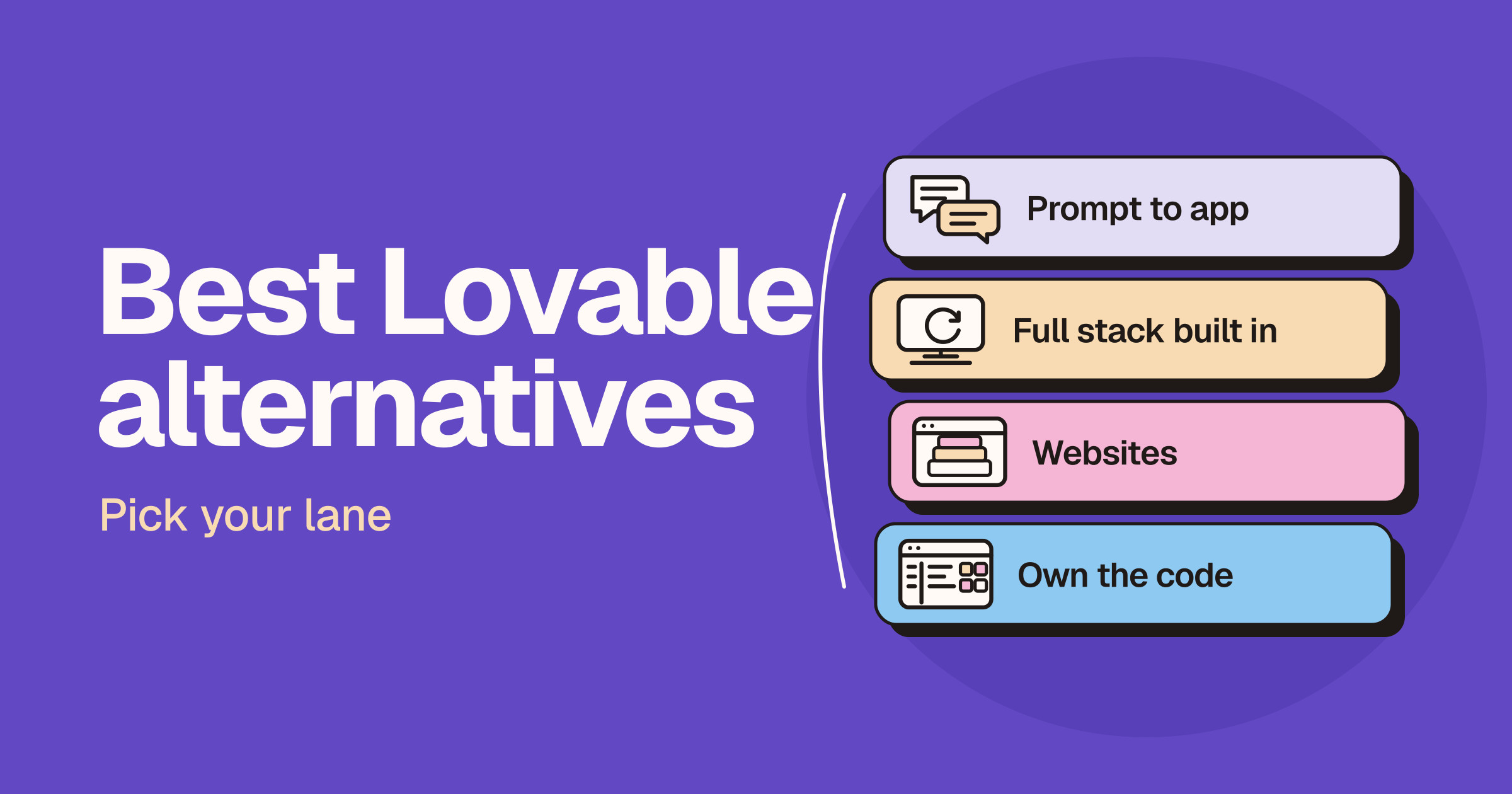
Best Lovable alternatives: free and paid AI app builders
The best Lovable alternative depends on the project: Bolt for the closest swap, v0 for Next.js on Vercel, Replit for a built-in backend, Framer for websites, and Cursor or Claude Code if you want to own the code.