

Best Canva alternatives: free and paid design tools
10 min read
Last updated November 14, 2026. How we pick: we compare the job each tool is for, from public product pages, not a paid ranking.
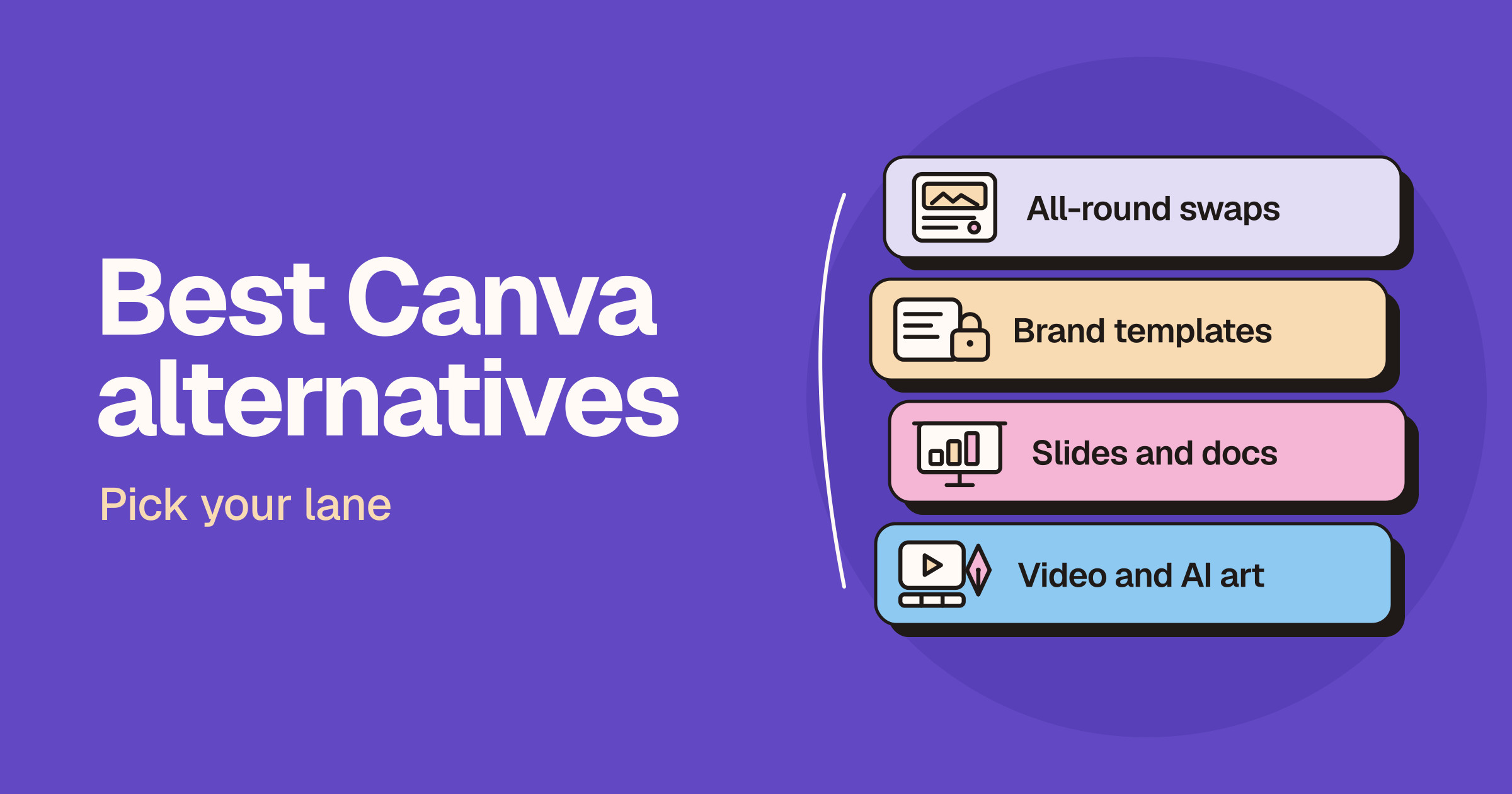
Short answer: the best Canva alternative depends on what you make in Canva. For a like-for-like swap with templates, brand kits and quick social graphics, try Adobe Express, or Microsoft Designer if you mostly want fast AI-made images and cards. Teams that need on-brand assets at scale should look at Figma (Figma Buzz), and design teams that want an open source tool can use Penpot. For slides and documents, use Gamma or Beautiful.ai. For video, use CapCut, and for AI images and vectors, use Recraft or Adobe Firefly.
Sponsored
Your tool here: sponsor this list
Fixed $149/month on Design & Prototyping. A subscription, not Claim #1.
Pin this category · $149/moThis guide is for founders, marketers, social media managers, teachers, students and small teams who use or are evaluating Canva and want to know what else is worth trying. Canva does a lot in one place, so most people do not need a single replacement. They need a better tool for the one job Canva is not doing well enough for them. We sort the options by lane for that reason. Claims below come from each vendor’s own product, pricing and help pages and are attributed to the vendor. We do not print prices on Unloc, and design tools change their plans, AI credits and limits often, so check each live pricing page before you pay. If you are already down to two tools, read our Canva vs Figma, Gamma vs Canva, Canva vs CapCut and Canva vs Photoshop head-to-heads.
Quick answer: pick your lane
| Lane | What you want | Start with |
|---|---|---|
| All-round swap | Templates, brand kits and quick graphics for social, print and web | Adobe Express |
| Quick AI graphics | Images, cards and invitations made from a short prompt | Microsoft Designer |
| Brand templates for teams | Marketing assets made from locked, on-brand templates, in bulk | Figma (Figma Buzz) |
| Open source design | A design and prototyping tool you can self-host | Penpot |
| Slides and docs | Decks, one-pagers and docs built with AI | Gamma, Beautiful.ai |
| Video | Short-form video, captions and AI clips | CapCut |
| AI images and vectors | Generated images, illustrations and editable vector graphics | Recraft, Adobe Firefly |
Why people look for a Canva alternative
We are not quoting survey numbers, because we have none. The reasons we see are practical.
- A specialist job. Canva covers slides, video and AI images, but a tool built for one of those jobs can go deeper on it.
- Brand control at scale. Marketing teams producing lots of assets often want the design team to own the templates while everyone else fills them in.
- The ecosystem you already pay for. If you already pay for Adobe or Microsoft apps, a design tool from the same vendor may fit with less friction.
- AI allowance. Canva’s pricing page says its Standard, Premium and Ultra AI tools share a monthly AI allowance that varies by plan, and that more advanced AI tasks use more of it. Heavy AI users compare allowances.
- Open source and self-hosting. Some teams want design files on their own infrastructure, with no vendor lock-in.
To be fair to Canva, its pricing page lists a free plan with templates, an easy editor, a brand kit and limited AI, and says paid plans add premium content, more brand kits, more AI, social scheduling and team tools. Canva also lists access to Affinity on every plan. Read the live pricing page before you decide whether a switch is about price or about fit.
Lane one: an all-round swap
Adobe Express
Adobe Express is Adobe’s template-led design app, and the closest like-for-like Canva swap in this guide. Adobe’s plans page says you can start on a free plan with no credit card, browse a large template library, set up more than one brand, and share Creative Cloud Libraries so a team can use approved assets in one place. It says premium editing features such as background removal and bulk resizing need a paid plan. Adobe also says the Firefly AI in Express was trained on licensed content, such as Adobe Stock, and public domain content, and that generated outputs can generally be used commercially, except for features Adobe marks as beta.
- Good for: people who want Canva’s style of workflow with Adobe Stock, Firefly and links to Photoshop and Illustrator.
- Watch for: Adobe notes that full brand setup is on the web version only, and that linked Photoshop or Illustrator assets need those memberships.
Microsoft Designer
Microsoft Designer is Microsoft’s AI design app. Microsoft’s Designer page says you can describe what you want and get images, stickers, greeting cards, collages, invitations and social posts, then edit them by removing objects, blurring or removing backgrounds, adding text and resizing. It says the free plan comes with monthly credits, and Microsoft 365 plans add more AI image creation through Copilot.
- Good for: quick one-off graphics, cards and invitations, and people who already use Microsoft 365.
- Watch for: it is built around prompts and quick edits rather than a deep template and brand system, so teams running a content calendar may outgrow it.
Lane two: brand templates and design teams
Figma (Figma Buzz)
Figma is best known for product design, but Figma Buzz is its answer to the marketing side of Canva. Figma says Buzz lets you publish brand templates so your team can create social posts, ads and one-pagers in a simplified editor, lets you bulk create and edit many assets at once, shows every asset in a grid view, and includes AI tools to remove backgrounds, boost resolution, rewrite and translate text and generate images. Figma also says Figma Slides is included with all seats on every plan, so a team can keep decks in the same place as its designs.
- Good for: companies where a design team already works in Figma and marketers need to produce on-brand assets without breaking the system.
- Watch for: Figma labels Buzz as beta, and seats, AI credits and plans are set on Figma’s pricing page, so check which seat your marketers need.
Penpot
Penpot describes itself on its homepage as the open source design platform for teams. It covers interface design with prototypes and CSS Grid and Flex layouts, design systems with components, design tokens and shared libraries, and an open MCP server so AI agents can work in it. Penpot’s self-host page says you can run it on a private cloud, on premises or air-gapped, and its pricing page lists a free, fully featured cloud plan.
- Good for: design and product teams that want open standards, self-hosting and no vendor lock-in.
- Watch for: Penpot is a design tool in the Figma mould, not a template library for social posts. Compare it with Figma in our Penpot vs Figma guide.
Lane three: slides and documents
Gamma
Gamma calls itself a visual communication platform for presentations, documents and more. Its homepage says its AI agent starts with an outline you shape, picks a look to fit your goal or your inspiration, and lets you edit by asking in chat, dropping in smart layouts or moving anything freely. It imports PowerPoint and PDF files, connects to tools such as Slack, Notion and Dropbox, exports to PowerPoint and PDF, and also makes social visuals and websites. You can start for free.
- Good for: people who mostly use Canva for decks and want AI to do the first draft of the structure and layout.
- Watch for: Gamma is built around presentations and docs, so it will not replace Canva for print or detailed social design. See our Gamma vs Canva comparison.
Beautiful.ai
Beautiful.ai is presentation software for teams. Its homepage highlights Smart Slides, layouts that align themselves as you add content, along with AI to start a deck, professional templates, brand controls and data visualisation for charts and graphs. Its pricing page offers a free trial of its paid individual and team plans.
- Good for: sales, consulting and leadership teams that send lots of decks and want them to look consistent without manual alignment.
- Watch for: it is a presentation tool only, and outside its student plans the free option is a trial rather than a lasting free plan, so check the live pricing page.
Lane four: video and AI art
CapCut
CapCut is an AI photo and video editor. Its homepage lists a timeline video editor, auto captions, background removal, text to speech, a Design Studio for social posts and marketing graphics, and a Video Studio that builds videos from a chat. CapCut’s pricing page lists a free plan with templates and basic editing tools, and Pro plans for creators who want advanced editing tools, premium templates and more AI features. It says plans and features vary by region and platform.
- Good for: short-form video for TikTok, Instagram and YouTube, with captions and AI clips in one app.
- Watch for: AI generation is metered on paid plans, so read what each plan includes. Our Canva vs CapCut guide goes deeper.
Recraft
Recraft is an AI image tool for designers. Its homepage says it generates images and editable vector graphics, keeps a consistent style when you drop in your own images, and offers an API. Its pricing page is clear on rights: images made on the free plan are owned by Recraft, shown in its public gallery and not licensed for commercial use, while paid plans give you ownership and commercial rights.
- Good for: logos, icons, illustrations and brand graphics where you want vectors you can edit, not just flat images.
- Watch for: use a paid plan for anything commercial, because of the free plan’s ownership terms.
Adobe Firefly
Adobe Firefly is Adobe’s AI creative studio. Adobe’s Firefly page says it generates and edits images, video and audio in one place, includes Firefly Boards for mood boards, and works with Photoshop, Illustrator, Premiere, Adobe Express and other Adobe apps. Adobe says there are free daily generations, paid plans add monthly generative credits and access to models from Adobe, Google, OpenAI and others, Firefly models never train on what you create or upload, and everything generated with Firefly models is safe for commercial use.
- Good for: marketers and designers who want AI images and video with clear commercial terms, inside the Adobe ecosystem.
- Watch for: generative credits are shared across Firefly and Creative Cloud apps, so check the live plan page for how far they go.
How to choose
- Name the job. Write down the three things you make most in Canva. If they are all one type, such as decks or videos, a specialist will probably serve you better.
- Check who owns the templates. If a design team needs to lock brand rules while others edit, look at brand controls first: Figma Buzz, Adobe Express brands or Beautiful.ai brand settings.
- Read the AI terms. Compare how each tool meters AI, and who owns what you generate. Recraft’s free plan terms and Adobe’s commercial use notes are good examples of why this matters.
- Run the same brief in two tools. Make one real asset, such as a social post or a short deck, in Canva and in your candidate. Judge the result and the time it took.
- Check the live pricing page. Plans, credits and offers change often, so confirm before you pay or move a team.
For more options, browse the Design and AI Image and Design categories on Unloc.
FAQ
What is the best free alternative to Canva?
For a like-for-like swap, Adobe Express has a free plan with templates, and Microsoft Designer has a free plan with monthly AI credits. For open source design work, Penpot offers a free cloud plan and can be self-hosted. Free plans have limits, so check each live pricing page.
Is Adobe Express better than Canva?
Neither is better for everyone. Adobe Express suits people who want Adobe Stock, Firefly AI and links to Photoshop and Illustrator. Canva suits people who want one app for social, print, slides and video. Try the same brief in both.
What is the best Canva alternative for presentations?
Gamma is the pick if you want AI to draft the outline and layout of a deck, and Beautiful.ai is the pick for teams that want self-aligning slides and brand controls. Figma Slides is included with every Figma seat if your team already uses Figma.
Is there an open source alternative to Canva?
Penpot is an open source design platform that you can use in the cloud or self-host. It is closer to Figma than to Canva, so it fits design and product teams better than people looking for social media templates.
Can I use AI images from these tools commercially?
It depends on the tool and the plan. Adobe says Firefly outputs are generally safe for commercial use, except beta features it marks otherwise. Recraft says free plan images are owned by Recraft and not licensed for commercial use, while paid plans grant commercial rights. Read each vendor’s terms before you publish.
Submit a tool if it belongs on the board. Listings are reviewed before they go live.
Share your learnings on socials
Other resources
View all
Gemini 4 Hydrogen: what's new and who can use it
Google announced Gemini 4 Hydrogen on November 12, 2026: a fast Gemini 4 model that replaces Gemini 3.8 Flash and is rolling out to Google Search, the Gemini app, the free Gemini API and Antigravity. Here's who gets it, what changes in Search, the developer details and how it compares with OpenAI and Anthropic.
Best ChatGPT alternatives: free and paid AI assistants
The best ChatGPT alternative depends on the job: Claude is the closest all-round swap, Gemini fits Google users, Microsoft Copilot fits Microsoft users, Perplexity is built for cited research, Grok for live news and X, and Mistral Vibe and DeepSeek suit people who want a European option or open models.

Claude Sheets, Whiteboards and Meetings: what's new
Anthropic announced Claude Sheets, Claude Whiteboards and Claude Data on November 10, 2026, plus full apps inside Claude and Claude Meetings (coming soon). Here's what each does, who gets it, what Sheets can't do yet, and how it compares with ChatGPT, Gemini and Copilot.