

Best Zapier alternatives: free, open source and AI options
9 min read
Last updated November 12, 2026. How we pick: we compare the job each tool is for, from public product pages, not a paid ranking.
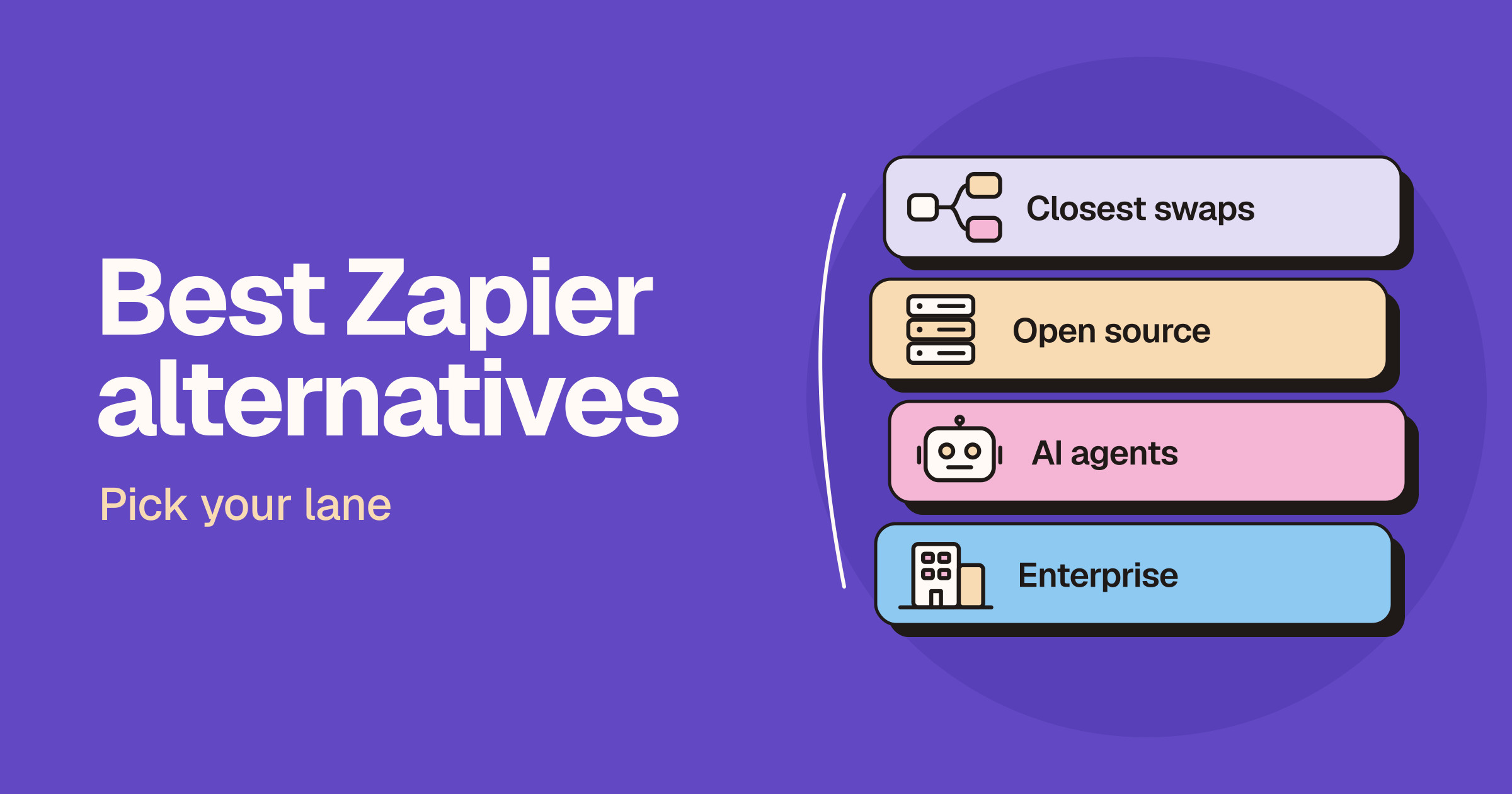
Short answer: the best Zapier alternative depends on why you are leaving. Make is the closest all-round swap, with a visual builder and a free plan that has no time limit. n8n and Activepieces are the picks if you want to self-host or read the code, and Microsoft Power Automate makes sense if your team already lives in Microsoft’s apps. For AI agents look at Gumloop, developers wiring tools into their own agents should look at Pipedream, IFTTT is still the simple choice for personal apps and smart home devices, and Workato is built for large companies.
Sponsored
Your tool here: sponsor this list
Fixed $149/month on Automation & ops. A subscription, not Claim #1.
Pin this category · $149/moThis guide is for founders, operators, marketers, developers and small teams who use or are evaluating Zapier and want to know what else is worth trying. We sort the options by lane first, because the right swap depends on whether you want a like-for-like builder, control over hosting, automation inside the Microsoft stack, AI agents, simple personal automations or an enterprise platform. Claims below come from each vendor’s own product, pricing, docs and code pages and are attributed to the vendor. We do not print prices on Unloc, and automation tools change their plans and billing units often, so check each live pricing page before you buy. If you are already down to two tools, read our Zapier vs Make, Zapier vs n8n and n8n vs Make head-to-heads.
Quick answer: pick your lane
| Lane | What you want | Start with |
|---|---|---|
| Closest swap | A visual, no-code builder that covers the same ground | Make |
| Open source and self-host | Run automations on your own servers, or read and fork the code | n8n, Activepieces |
| Microsoft stack | Flows inside Teams, Excel and SharePoint, plus desktop automation | Microsoft Power Automate |
| AI agents | Agents that work across your tools, or tools for agents you build | Gumloop, Pipedream |
| Personal and smart home | Simple if-this-then-that automations for apps and devices | IFTTT |
| Enterprise | Governed integration and automation across a large company | Workato |
Why people look for a Zapier alternative
We are not quoting survey numbers, because we have none. The reasons we see are practical.
- Task-based billing adds up. Zapier’s pricing page says each successful action in a Zap counts as a separate task, and that Zap workflows, AI steps, code, MCP and its SDK all draw from the same task pool. Busy multi-step workflows can use a lot of tasks.
- The free plan is narrow. Zapier lists two-step Zaps on its free plan. Multi-step Zaps, premium apps and webhooks are on Professional and above.
- Control over data and hosting. Zapier is a hosted service. Teams with strict data rules, or developers who want to run automations on their own infrastructure, look for tools they can self-host.
- A different way of building. Some people want a visual canvas with branches they can see, or a way to drop into code when a no-code step is not enough.
- Agents instead of steps. Some teams now want AI agents that decide what to do next, rather than fixed trigger and action chains.
To be fair to Zapier, it says it connects to more apps than any other automation tool, and it now bundles Tables, Forms, Agents, Chatbots, Canvas and Zapier MCP alongside Zaps. Read the live pricing page before you decide whether a switch is about price or about fit.
Lane one: the closest swap
Make
Make describes itself as an AI automation platform where you build automated workflows and AI agents visually. Its homepage says you can build by prompt, by drag and drop, or from Claude, ChatGPT and other AI chats, and that you can drop into JavaScript or Python when you need custom code. Make also lists an MCP server, AI agents with visible reasoning, and custom integrations for anything with an API.
- Good for: people who like Zapier’s no-code approach but want to build, test and debug the whole workflow in one visual environment.
- Billing: Make’s pricing page says credits are its billing unit and each action a scenario performs uses credits. Make says its free plan needs no card and has no time limit.
- Watch out for: credits expire at the end of each term, according to Make’s pricing FAQ, so size your plan to your real monthly volume.
Go deeper in our Zapier vs Make comparison.
Lane two: open source and self-host
n8n
n8n calls itself a fair-code workflow automation platform with native AI capabilities on its GitHub page, combining visual building with custom code, in the cloud or self-hosted. Its hosting docs say that without a licence key, self-hosted n8n runs as the free Community edition, and that you can install it with Docker, npm or Docker Compose.
- Good for: technical teams who want to self-host, write code inside workflows and keep data on their own infrastructure.
- Billing: n8n’s pricing page prices its plans on workflow executions with unlimited steps, regardless of complexity, rather than on each action.
- Watch out for: n8n is fair-code, not open source in the usual sense. Its Sustainable Use License allows use for your own internal business purposes or for non-commercial or personal use, and n8n says that making n8n available to your customers so they can connect their accounts and build workflows is a different case. Check the licence if you plan to build a product on it.
Go deeper in our Zapier vs n8n and n8n vs Make comparisons.
Activepieces
Activepieces calls itself an open source replacement for Zapier on its GitHub page. Its homepage says the core is MIT-licensed, every integration (it calls them pieces) is MIT-licensed too, and you can self-host with Docker or Kubernetes or use its cloud. Activepieces also says its pieces are available as MCP tools for AI apps.
- Good for: teams who want a permissive open source licence, a builder non-technical people can use, and the option to write TypeScript when they need to.
- Billing: Activepieces says every plan has unlimited flows, logic inside a flow is free and you pay for how often flows run. Its pricing page lists a free plan.
- Watch out for: its app library is smaller than Zapier’s, so check that the apps you rely on have a piece, or that you can reach them with its HTTP piece.
Lane three: the Microsoft stack
Microsoft Power Automate
Microsoft’s Power Automate page covers cloud flows for apps and services, desktop flows that use robotic process automation for legacy systems, and process mining. Microsoft says it offers native experiences in Teams, Excel and SharePoint, prebuilt templates, Copilot for building flows in plain language, and a large library of API connectors, plus custom connectors.
- Good for: companies already on Microsoft’s business apps, and teams that need to automate desktop software that has no API.
- Billing: Microsoft lists per-user and per-bot plans and a free trial on its pricing page.
- Watch out for: it is built around Microsoft’s platform, and premium connectors and unattended automation sit on paid plans.
Lane four: AI agents
Gumloop
Gumloop pitches itself as a place to build AI agents for work. Its site shows agents that connect to tools such as Slack, HubSpot, Gmail and Salesforce, run reusable skills, and let you pick from several AI models. It lists use cases such as account research, outbound email, call summaries, ticket triage and CRM hygiene.
- Good for: go-to-market, support and ops teams who want agents that take a goal and work across their tools, rather than fixed step-by-step Zaps.
- Billing: Gumloop’s pricing page lists a Pro plan with a free trial and custom Enterprise pricing, with usage measured in credits.
- Watch out for: agents are less predictable than fixed workflows, so keep humans in the loop for anything that sends email or changes records.
Pipedream
Pipedream now describes itself as the integration layer for AI agents. It offers managed authentication and thousands of ready-made tools across thousands of APIs for developers adding connectors to their own agents and apps, with an SDK and a remote MCP server.
- Good for: developers building their own AI product or agent who need many app connections without writing each integration.
- Billing: Pipedream’s pricing page says it is free to build and you pay when your integrations go to production.
- Watch out for: this is a developer tool, not a drop-in no-code Zapier replacement for business users.
Lane five: personal apps and smart home
IFTTT
IFTTT links apps and devices with automations it calls Applets: choose a trigger, pick an action and customise it. It says you can start from a huge library of ready-made Applets or build your own, and it covers consumer services and smart home devices as well as work apps.
- Good for: individuals who want simple automations for social accounts, phones and smart home gear.
- Billing: IFTTT’s plans page lists a free plan with unlimited Applets and all services, with paid plans adding more credits and faster runs. Applet runs, MCP use and AI features all use credits.
- Watch out for: it is built for simple automations, not complex business logic.
Lane six: enterprise
Workato
Workato positions itself as an enterprise integration platform (iPaaS) for automation and AI, with agent tools, MCP servers, data pipelines, document processing and robotic process automation. Its pricing page lists several platform editions with SSO, role-based access control, separate dev, test and production environments, and a large set of pre-built connectors.
- Good for: IT and operations teams at larger companies who need governance, audit and on-premise connectivity.
- Billing: Workato sells editions through sales and says pricing may vary with contract terms, so ask for a quote.
- Watch out for: it is more platform than most small teams need.
How to choose a Zapier alternative
- List your top workflows and apps. Check that each alternative connects to the apps you rely on most, or can reach them through webhooks, HTTP requests or custom code.
- Compare billing units, not headline prices. Zapier counts tasks per action, Make uses credits per action, n8n counts workflow executions with unlimited steps and Activepieces charges per run. A workflow with many steps can be cheap on one model and expensive on another, so estimate a real month of runs on each live pricing page.
- Decide where your data should live. If it has to stay on your own servers, start with n8n or Activepieces. Read n8n’s licence if you plan to offer automations to your own customers.
- Match the builder to the people building. Make and Zapier suit non-technical teams, n8n and Pipedream suit developers, and Power Automate suits Microsoft shops.
- Pilot one workflow before you migrate. Rebuild a single important Zap, run both side by side for a while, then move the rest.
FAQ
What is the best alternative to Zapier?
For most teams it is Make, because it covers the same ground with a visual builder, custom code when you need it and a free plan with no time limit. If you want to self-host, pick n8n or Activepieces instead.
Is there a free alternative to Zapier?
Yes. Make, Activepieces and IFTTT have free plans, Pipedream is free to build with, and n8n’s Community edition is free to self-host. Free plans have limits, so check each live pricing page.
Is there an open source alternative to Zapier?
Activepieces is open source, with an MIT-licensed core and integrations, and you can self-host it. n8n is often called open source, but it describes itself as fair-code under its Sustainable Use License, which allows internal business, personal and non-commercial use with some limits.
Is Make cheaper than Zapier?
It depends on your workflows. Zapier bills tasks for each successful action and Make bills credits for each action, so compare the same real workflows on both live pricing pages. Our Zapier vs Make comparison goes through the differences.
What is the best Zapier alternative for AI agents?
If you want ready-made agents that work across your business tools, look at Gumloop. If you are a developer building your own agent and need app connections, look at Pipedream. Make, n8n and Zapier itself also offer AI agent features inside their workflow builders.
Bottom line
Pick Make if you want the closest replacement for Zapier with a visual builder. Choose n8n or Activepieces if you want to self-host or read the code, and Microsoft Power Automate if your team runs on Microsoft. Use Gumloop or Pipedream for AI agents, IFTTT for personal and smart home automations, and Workato for enterprise integration. Browse more automation tools on Unloc.
Submit a tool if it belongs on the board. Listings are reviewed before they go live.
Share your learnings on socials
Other resources
View all
Gemini 4 Carbon is now available: who gets it and what's new
Google made Gemini 4 Carbon generally available on November 10, 2026: on the paid Gemini API, in Gemini for business, GitHub Copilot and Cursor, and for Google AI Ultra subscribers in the Gemini app. Here's who can use it, what it costs, what /swarm adds in Antigravity and how it compares with Claude Fable 5.2 and GPT.
Best Calendly alternatives: free and paid scheduling tools
The best Calendly alternative depends on why you are leaving: Cal.com is the closest all-round swap with a generous free plan, SavvyCal gives guests a nicer booking experience, Google Calendar, Microsoft Bookings and HubSpot may already be in your stack, Chili Piper routes sales leads, and Acuity, Zoho Bookings and TidyCal handle paid client bookings.

Claude Fable 5.2 and Mythos 5.2: what's new and who it's for
Anthropic released Claude Fable 5.2 and Claude Mythos 5.2 on November 9, 2026: the same model, with Fable open to paid plans and the API and Mythos limited to verified organisations. Here's what changed, how it fits your Claude plan, what developers must update and how it compares with Opus 5.5, GPT-6 Astra and Gemini.