

Xero vs QuickBooks: which accounting software is better?
9 min read
Last updated October 31, 2026. How we pick: we compare the job each tool is for, from public product pages, not a paid ranking.
Short answer: pick Xero if you want cloud accounting with no per-user licence fees, a large app marketplace and an AI assistant, JAX, that answers questions about your numbers and helps with admin. Pick QuickBooks if you want the wider Intuit set-up: AI agents built into each part of the product, the option of desktop software as well as the cloud, and plans that scale up to more complex inventory and projects. Both handle the everyday basics well, so the right choice usually comes down to how many people need access, which apps and add-ons you rely on, and what your accountant already uses.
Sponsored
Your tool here — sponsor this list
Fixed $149/month on Finance & Invoicing. A subscription — not Claim #1.
Pin this category · $149/moXero is listed on Unloc: see the Xero card.
Quick verdict
| Question | Xero | QuickBooks |
|---|---|---|
| What it is | Cloud accounting software for small businesses and their advisers | Intuit's accounting software, sold as QuickBooks Online in the cloud and as QuickBooks Desktop |
| Users | No per-user licence fees on any plan, Xero says | Each plan includes a set number of users, plus free access for your accountant |
| AI | JAX, an AI assistant for questions, insights and admin tasks, plus a Claude connector | Intuit Intelligence: AI agents for accounting, payments, payroll, tax, customers and projects |
| Payroll | Built in or as an add-on depending on country; in the US it is powered by Gusto | A paid add-on to QuickBooks Online plans |
| Inventory | Basic inventory, with Inventory Plus as an add-on | Inventory tracking on the Plus and Advanced plans |
| Desktop option | No, cloud only | Yes, QuickBooks Desktop is still offered alongside QuickBooks Online |
| Free option | Free trial or introductory offers | Free trial; the US site also lists a basic Free plan |
| Best fit | Small teams that want everyone and their adviser in the books without paying per seat | Businesses that want AI agents across the product and a clear path to bigger plans |
Plans, features and offers change often and differ by country, so check both live pricing pages before you decide. Everything below comes from Xero's and Intuit's own websites, plan pages and FAQs.
What Xero does
Xero describes itself as a global small business platform that brings accounting, payroll, payments and an ecosystem of apps together in one place. It says it serves millions of customers and leads cloud accounting in New Zealand, Australia and the UK. The core is what you would expect from accounting software: bank connections and bank reconciliation, invoices and quotes, bills, expense claims, purchase orders, reports, sales tax, fixed assets, file storage and a mobile app.
Around that core, Xero adds its own brands. Hubdoc pulls bills and receipts into your records, Syft adds reports, forecasts and dashboards, and Inventory Plus handles more advanced stock and selling channels. Xero also offers free onboarding help from a product specialist in your first months, which it calls Xero coaches.
What QuickBooks does
QuickBooks is Intuit's accounting software. QuickBooks Online is the cloud version, which you can use in a browser or through the QuickBooks mobile app. It covers bookkeeping, bank feeds, invoicing and payments, bills, expenses, sales tax, reports, budgets, projects and inventory, with more features unlocked as you move up the plans.
Intuit also still sells QuickBooks Desktop, including Desktop Enterprise for companies with complex inventory, and offers Intuit Enterprise Suite for multi-entity businesses. If your business is outgrowing a small-business plan, QuickBooks has more rungs on the ladder inside one company's product family.
Users and access
This is one of the clearest differences. Xero says it has no per-user licence fees, so you can invite your team, your bookkeeper and your accountant without paying for each seat. Some features, such as expense claims or project tracking, are still limited to a number of people on certain plans, so check the plan table.
QuickBooks Online plans each include a set number of users, rising as you move up the plans, and every paid plan also includes access for your accountant. Intuit says you can invite an accountant to collaborate for free, and its plans let you set roles and user permissions, with customisable permissions on the Advanced plan. If several people need to log in, compare the user limits on the live QuickBooks pricing page against the plan you would actually buy.
AI features: JAX vs Intuit Intelligence
Both companies now put AI at the centre of their pitch, but they package it differently.
Xero's AI is JAX, which it calls an AI business companion. Xero says you can ask JAX questions about your finances in plain language, get charts and tables back, ask for help with admin such as creating an invoice from an earlier quote, and get answers that combine your Xero data with public information from the web. Xero says JAX chat is available to all subscribers at no extra charge for now, that you only see data your Xero permissions allow, and that the large language models it uses, from providers such as AWS, Microsoft Azure and Google Cloud, do not keep your data or train on it. Xero's features page still labels JAX as in beta.
Xero has also built a connector for Claude. Xero says it is read-only, follows your Xero permissions and cannot create, edit, approve, reconcile or pay anything in Xero, and that connector data is not used to train Anthropic's models.
QuickBooks calls its AI Intuit Intelligence. Intuit describes a suite of AI agents, each focused on one area: Accounting AI, Payments AI, Payroll AI, Customer AI, Sales Tax AI, Finance AI, Project Management AI and Business Tax AI. Intuit says they work in the background as you use the product, categorising transactions, catching anomalies, running reminders, finding leads in your inbox and drafting follow-ups for you to review. Which agents you get depends on your plan, and the pricing page marks several features, including the AI chat, as beta or limited capacity. Intuit says you stay in control: you review and edit AI-drafted messages, estimates, reminders and bills before anything goes out.
In short, Xero's AI is mostly one assistant you talk to, while QuickBooks spreads agents across the product and gives you more of them on higher plans.
Bookkeeping and bank reconciliation
Both connect to your bank, import transactions and help you reconcile them. Xero's onboarding specialists help you connect your banks, and its pricing table lists automatic reconciliation on its higher plans and as an option on its entry plan. QuickBooks lists automated bank feeds, and Intuit says Intuit Intelligence categorises transactions and catches anomalies, with more of that automation on higher plans.
For receipts, Xero has Smart Document Capture and Hubdoc. QuickBooks lets you snap and save receipts and track mileage, and its mobile app ties expenses, invoices and leads together with its AI agents.
Invoicing, bills and payments
Both let you send quotes or estimates and invoices, set up reminders and take online payments. Xero's entry plan caps the number of invoices you can send, so check the limits if you invoice often. In the US, both say standard ACH bill payments are included at no extra cost, with fees for other payment methods.
QuickBooks bundles more selling tools into its higher plans, such as a Customer Hub for leads, proposals and appointment scheduling, alongside recurring invoices. If you only need simple invoicing, a dedicated tool like Stripe Invoicing may be enough on its own.
Payroll
Payroll depends heavily on where you are. In the US, Xero Payroll is powered by Gusto and runs inside Xero as an optional add-on. In the UK, Xero says its payroll is HMRC-recognised and sends Real Time Information reports to HMRC after every pay run, and its UK plans list payroll for a set number of people.
QuickBooks Payroll is a paid add-on that you can attach to any QuickBooks Online plan. Intuit says Payroll AI can collect time and attendance data, spot inconsistencies and text updates to your admin. In the UK, Intuit says QuickBooks Payroll automates calculations and HMRC submissions.
Tax and compliance
In the US, Xero handles sales tax through Avalara and helps you manage contractor tax forms, while QuickBooks lists automatic sales tax, economic nexus tracking and Sales Tax AI, which Intuit says flags potential filing issues with suggested fixes. Intuit says its Business Tax AI suggests ways to save on tax through the year.
In the UK, both are HMRC-recognised for Making Tax Digital. Xero's plans let you submit VAT returns to HMRC and say they are ready for Making Tax Digital for Income Tax, and Intuit says QuickBooks lets you submit VAT returns directly and helps the self-employed and landlords prepare for Making Tax Digital for Income Tax. Rules change, so check the current position with HMRC or your accountant.
Inventory and projects
Xero covers basic inventory on its plans, and Xero Inventory Plus adds selling through channels such as Shopify and Fulfillment by Amazon, reorder points and shipping. Project time and cost tracking sits on Xero's top plan.
QuickBooks puts inventory tracking, purchase orders, low-stock alerts and project profitability on its Plus and Advanced plans, and its Advanced plan adds construction and manufacturing features such as job costing and FIFO costing. For heavier stock needs, Intuit points to QuickBooks Desktop Enterprise or Intuit Enterprise Suite.
Apps and accountants
Both have app stores. Xero says it connects to a large catalogue of certified apps across payments, payroll, inventory and more through the Xero App Store, and that a big community of accountants and bookkeepers uses its partner tools. QuickBooks also connects to a wide range of third-party apps, including sales channels and payment tools, through its own app marketplace.
In practice, ask your accountant or bookkeeper first. Many firms specialise in one or the other, and choosing the one your adviser already knows can save time and fees.
Free plans and pricing
Xero sells tiered monthly plans, with more automation, analytics, currencies and project tools as you move up, and often runs introductory offers or a free trial. QuickBooks Online also has tiered plans with more users, AI agents and features at each step, a free trial, and, on its US site, a basic Free plan with tight limits. Payroll is extra on QuickBooks and usually extra or limited on Xero, so add it to your sums if you pay staff.
Prices, offers and plan names vary by country and change often. Check the live Xero pricing page and QuickBooks pricing page, switching to your own country, before you decide.
Who should pick which
- Pick Xero if several people, including your bookkeeper or accountant, need to log in and you do not want to pay per seat.
- Pick Xero if you want one AI assistant to ask about your numbers, or want to use your accounts with Claude through a read-only connector.
- Pick QuickBooks if you want AI agents working across accounting, payments, tax and customers, and are happy to choose a plan based on which agents you need.
- Pick QuickBooks if you need desktop software, heavier inventory or construction features, or a clear upgrade path to Intuit's bigger products.
- Ask your accountant if you are unsure. The one they already use is often the cheaper choice overall.
Comparing other finance tools? See QuickBooks vs FreshBooks and Timely vs Harvest, or browse Xero and Stripe Invoicing on Unloc.
FAQ
Is Xero or QuickBooks better for small businesses?
It depends on your team and your adviser. Xero suits small teams that want several people, including their accountant, in the books without per-user licence fees. QuickBooks suits businesses that want AI agents across the product, more plan tiers and the option of desktop software. Both cover the everyday basics well.
Is Xero easier to use than QuickBooks?
Both are built for non-accountants, and both offer guided setup: Xero has free onboarding coaches in your first months, and QuickBooks offers expert-guided setup and says phone support is included with its paid plans. The best test is a free trial of each with your own bank feed and a few real invoices.
Which has better AI, Xero or QuickBooks?
They take different approaches. Xero's JAX is one AI assistant you chat with about your finances and admin, and Xero also offers a read-only Claude connector. QuickBooks' Intuit Intelligence is a set of AI agents for accounting, payments, payroll, tax, customers and projects, with more of them on higher plans. Some features on both are still labelled beta.
Can I switch from QuickBooks to Xero, or from Xero to QuickBooks?
Yes. Xero pitches itself to businesses switching from QuickBooks, including for payroll, and Intuit offers expert-guided setup and migration help, such as moving from QuickBooks Desktop to QuickBooks Online. Plan the move with your accountant so your opening balances and tax records carry over correctly.
Do Xero and QuickBooks work in the UK?
Yes. Both have UK versions that are HMRC-recognised for Making Tax Digital, let you submit VAT returns to HMRC and offer payroll that files with HMRC. Plans, prices and features differ from the US versions, so check the UK pricing pages.
Submit a tool if it belongs on the board. Listings are reviewed before they go live.
Share your learnings on socials
Other resources
View all
Mistral Large 4 open weights: what Le Chonk is and who can use it
Mistral released the open weights of Mistral Large 4 (Le Chonk) on October 29, 2026, calling it the best open-weight model for coding. Here's what the trillion-parameter model does, how it compares with Claude and other open models, and how you can actually use it.
Windsurf vs GitHub Copilot: which AI coding tool is better?
Pick Windsurf, now Devin Desktop, for a standalone AI editor with Tab completions and a command centre for many agents and models. Pick GitHub Copilot for AI inside the IDE you already use and across GitHub, from code review to cloud agents.
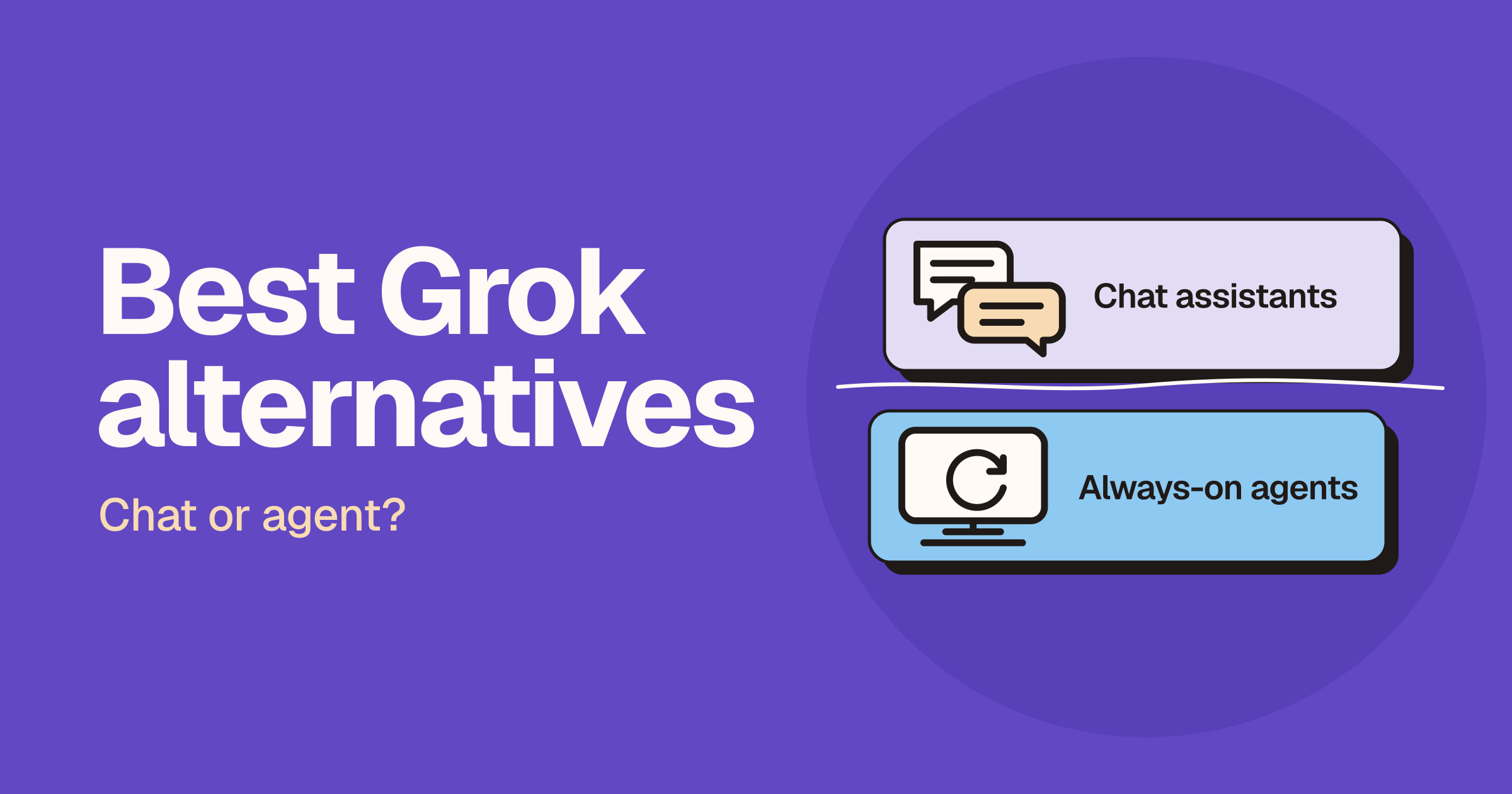
Best Grok alternatives: 12 AI assistants and agents
The best Grok alternative depends on the job: ChatGPT is the broadest general assistant, Claude is strongest for long documents and careful writing, Gemini fits teams already in Google Workspace, and Perplexity is built for cited web research. If you want an agent that keeps working on its own computer after you close the app, look at Grok Bot, Muse, Dots, Hermes Agent or OpenClaw instead. Grok itself remains the pick when the question is about what is happening right now on X.