

Best Grok alternatives: 12 AI assistants and agents
15 min read
Last updated October 29, 2026. How we pick: we compare the job each tool is for, from public product pages, not a paid ranking.
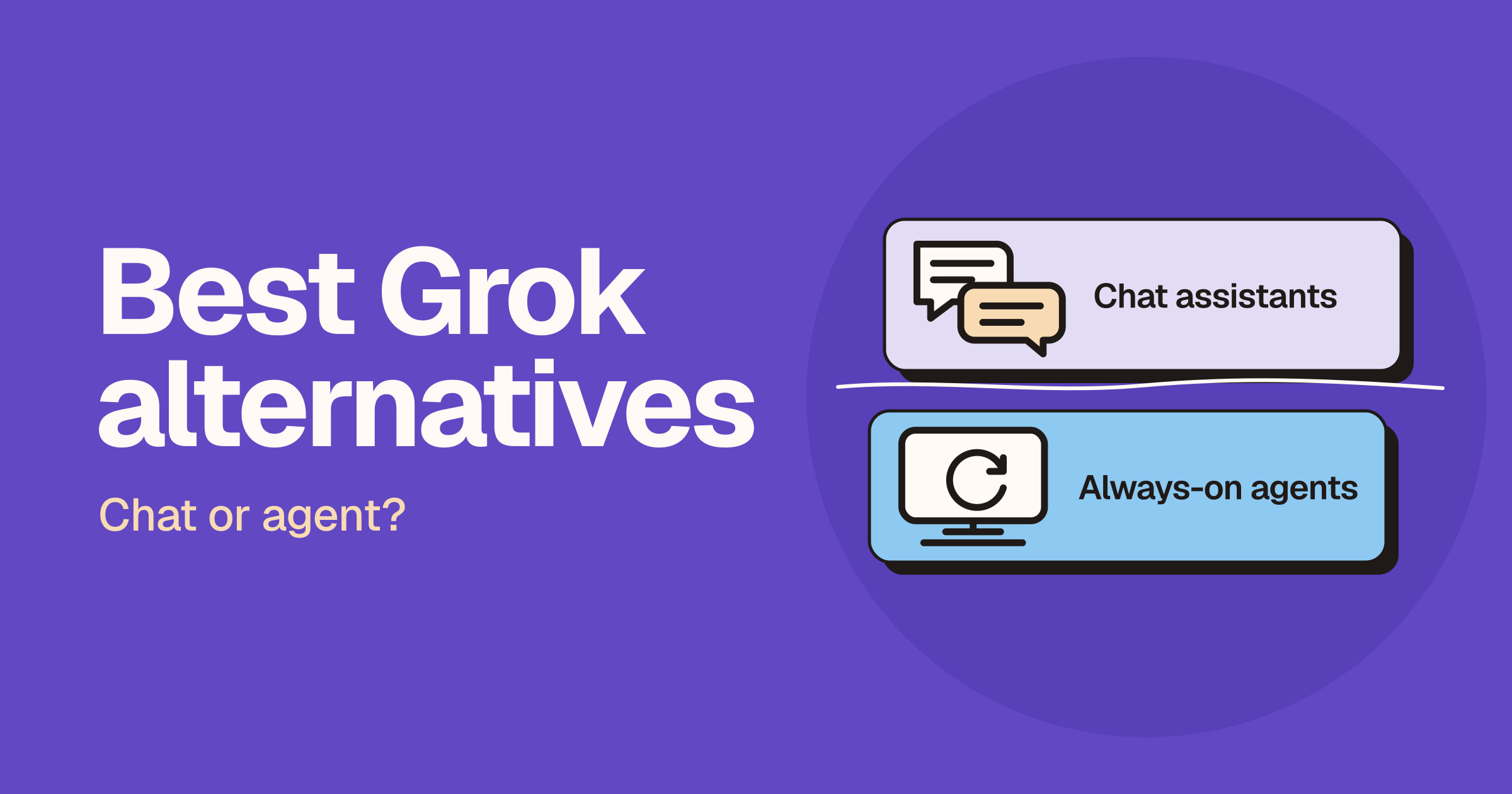
The best Grok alternative depends on the job: ChatGPT is the broadest general assistant, Claude is strongest for long documents and careful writing, Gemini fits teams already in Google Workspace, and Perplexity is built for cited web research. If you want an agent that keeps working on its own computer after you close the app, look at Grok Bot, Muse, Dots, Hermes Agent or OpenClaw instead. Grok itself remains the pick when the question is about what is happening right now on X.
One thing to know before you read on. "Grok" and "Grok Bot" are different products. Grok is the chat assistant at grok.com. Grok Bot is xAI's persistent agent, a separate product from the same vendor. We list Grok Bot here because some Grok users really want an agent that finishes work, but if you are leaving xAI altogether, it is not an exit.
This page is a hub. It sorts the options into two lanes, chat assistants and always-on agents, and links to our head-to-head pages when you need to choose between two. Browse the wider field on AI assistants or the full /tools directory.
Sponsored
Your tool here — sponsor this list
Fixed $149/month on Draft with AI. A subscription — not Claim #1.
Pin this category · $149/moQuick answer: which Grok alternative should you pick?
| If you want... | Pick | Lane |
|---|---|---|
| One general assistant | ChatGPT | Chat assistant |
| To write or read long documents | Claude | Chat assistant |
| To live in Docs, Gmail and Drive | Gemini | Chat assistant |
| Cited research | Perplexity | Chat assistant |
| An agent that works on its own computer | Grok Bot, Muse, Dots, Hermes Agent, OpenClaw | Always-on agent |
If you want one general assistant: ChatGPT
ChatGPT is the default most teams already have a login for. It covers writing, analysis, search, deep research and everyday work in one place.
If you write or read long documents: Claude
Claude is a careful assistant for long briefs and messy documents, and a good first-pass thinking partner.
If you live in Docs, Gmail and Drive: Gemini
Gemini is Google's assistant, and it is most useful when the work already lives in Google's apps.
If you need cited research: Perplexity
Perplexity answers with citations, which matters when the research has to stand up in a meeting.
If you want an agent that works on its own computer
Grok Bot, Muse, Dots, Hermes Agent and OpenClaw all give an agent a machine of its own and let it keep going while you do something else. The difference is who hosts it, which we cover below.
What Grok is good at, and why people leave
Strengths worth keeping
Grok's own product page pitches live search across the web and X, so answers reflect what is happening now. It also lists reasoning you can follow step by step, voice conversations, and image and video generation in the same thread through Grok Imagine. It has a free way to try it on the web and in its apps, and a paid SuperGrok plan for higher limits and multi-agent reasoning.
If your questions are about breaking posts, trends and what people are saying on X, that live connection is a real reason to stay. See Grok vs ChatGPT, Grok vs Claude and Grok vs Gemini for the full comparisons.
Common reasons to look elsewhere
We are not quoting complaint statistics, because we do not have any. The reasons people switch are about fit, not defects.
- Writing tone. You want a different assistant for long, careful drafting.
- Workspace integration. Your documents, mail and calendar live in Google or another suite.
- Citations. You need sources you can check and hand to someone else.
- Agents. You want work to finish while you are away, not just an answer in a chat window.
Chat assistants: the direct Grok alternatives
ChatGPT
OpenAI's assistant is the broadest option here: one place for drafts, analysis, search, deep research and everyday work.
- Best for: one assistant for writing, analysis, coding and everyday work.
- Not ideal for: breaking news on X.
- Plans: Free, Go, Plus, Pro, Business and Enterprise. Live pricing.
- On Unloc: ChatGPT · Compare: Grok vs ChatGPT, Claude vs ChatGPT, ChatGPT vs Gemini, Perplexity vs ChatGPT
Claude
Anthropic's assistant is built for long briefs, messy documents and careful writing. Anthropic's pricing page lists web search, memory across conversations, connectors for your apps and tools, and Artifacts, even on the free plan.
- Best for: careful drafting, long briefs and messy documents.
- Not ideal for: a live read on what is trending on X.
- Plans: Free, Pro, Max, Team and Enterprise. Live pricing.
- On Unloc: Claude · Compare: Grok vs Claude, Claude vs ChatGPT, Claude vs Gemini
Gemini
Google's assistant is useful when the work already lives in Docs, Gmail and Drive. Google's plans page lists Deep Research and Google Search among its features.
- Best for: teams whose work lives in Google Workspace.
- Not ideal for: teams whose documents live outside Google's apps.
- Plans: Free, Google AI Plus, Google AI Pro and Google AI Ultra for individuals; business access comes through Workspace plans. Live pricing.
- On Unloc: Gemini · Compare: Grok vs Gemini, ChatGPT vs Gemini, Claude vs Gemini, Perplexity vs Gemini
Perplexity
Perplexity answers with citations, for research that has to stand up in a meeting. Its developer docs describe web-grounded answers with built-in citations.
- Best for: research that has to stand up in a meeting.
- Not ideal for: long-form drafting in your own voice.
- Plans: check the live pricing page for the current tiers. Live pricing.
- On Unloc: Perplexity · Compare: Perplexity vs ChatGPT, Claude vs Perplexity, Perplexity vs Gemini
Le Chat (now Mistral Vibe)
Mistral's assistant is the European default when the brief cannot leave the region. Mistral now says Le Chat is Vibe, a unified assistant and agent for work and code, and that your plans and conversations carry over. It still lives at chat.mistral.ai. Mistral's site leads with sovereign AI, and its pricing page lists self-hosted, private-cloud and on-premises deployment.
We keep the Le Chat name in this guide because that is the name most people search for and the one on our listing.
- Best for: clients who ask for a European provider.
- Not ideal for: anyone who needs a guarantee we cannot give; confirm hosting terms for your plan with Mistral before you promise anything to a client.
- Plans: Free, Pro, Team and Enterprise. Live pricing.
- On Unloc: Le Chat · Vendor note: Mistral Vibe
Also worth knowing
Two more options do not have an Unloc listing yet, so we mention them in plain text and do not link. Microsoft Copilot is built into the Microsoft apps people already use, which suits teams in Microsoft 365. DeepSeek offers chat on the web and in apps, plus an API; review its privacy and hosting terms before using it for work. Check both vendors' official sites for current details.
Always-on agents: when you want the work finished, not just answered
A chat assistant answers and waits. An agent takes a task, uses its own computer, and comes back when it needs you. If that is what you mean by "alternative to Grok", this is the lane.
Grok Bot (xAI)
Grok Bot is xAI's persistent agent, for work that should finish on a cloud computer. It is the same vendor as Grok, and a different product. According to x.ai/bot, you give Bots tasks like you would a teammate, they sign in to your tools and use them as you do, and they come back for your approval when needed. The page says every Bot shares one persistent cloud computer per user, and that Grok Bot is included with the Premium, Super, Ultra, Teams and Enterprise plans.
- Best for: work that should finish on a cloud computer.
- Not ideal for: people who want to leave xAI.
- Plans: see x.ai/bot for the plan names it is included with.
- On Unloc: Grok Bot · Compare: Grok Bot vs Hermes, Grok Bot vs Dots, Grok Bot vs Muse, Grok Bot vs OpenClaw
Muse (Meta)
Muse is Meta's personal agent, for tasks it can carry on its own computer. Meta's announcement says Muse runs on Muse Secure VM, a dedicated secure computer with its own browser, and that you talk to it in the Muse app or directly in WhatsApp. Meta says it keeps working after you close the app and comes back for approval before something like sending an email or making a purchase. Meta launched it in September 2026 and describes the rollout as starting in the US, so check availability for your country. Meta also published a safety post on how it was designed.
- Best for: a personal agent you reach in an app or WhatsApp.
- Not ideal for: teams that need a self-hosted setup.
- Plans: Meta says it is free for most of what people need, with subscription plans for people who want to do more.
- On Unloc: Compare: Grok Bot vs Muse
Dots (OpenAI)
Dots are OpenAI's always-on agents, for work that should continue inside ChatGPT. OpenAI announced them on 29 September 2026. Per its announcement and its ChatGPT feature page, each dot has its own cloud computer and browser, works toward your goals between conversations, and can be reached in ChatGPT, Slack and Teams. Rollout is limited by plan and market, so read OpenAI's help centre article for who can use it today instead of relying on a list here.
- Best for: ongoing work that continues inside ChatGPT, Slack or Teams.
- Not ideal for: anyone outside the plans and markets where it has rolled out.
- Plans: OpenAI says it is rolling out across Pro, Business Premium and Enterprise; see ChatGPT pricing and the help centre.
- On Unloc: Dots · Compare: Grok Bot vs Dots
Hermes Agent (Nous Research)
Hermes Agent is Nous Research's open-source agent, for a machine you run yourself. Its site says it is free and open source under the MIT licence, that model providers and optional hosted services have their own pricing, and that it can live in Telegram, Discord, Slack, WhatsApp, Signal and email. There is a cloud deployment option if you want it always on. See the docs.
- Best for: people who want to run the agent on their own machine.
- Not ideal for: anyone who does not want to set up or look after infrastructure.
- Plans: free and open source; model and hosting costs are separate.
- On Unloc: Hermes Agent · Compare: Grok Bot vs Hermes, OpenClaw vs Hermes Agent
OpenClaw
OpenClaw is a self-hosted assistant that lives in the chat apps you already open. Its site describes it as open source and running on your machine, and says it is stewarded by the OpenClaw Foundation, an independent non-profit. See the docs and the GitHub repository.
- Best for: an assistant that lives in your chat apps, on your own machine.
- Not ideal for: teams that want a managed, hosted product.
- Plans: open source; you supply the machine and the model access.
- On Unloc: OpenClaw · Compare: Grok Bot vs OpenClaw, OpenClaw vs Hermes Agent
Hosted or self-hosted: a rule of thumb
If you want to sign in and go, pick a hosted agent: Grok Bot from xAI, Muse from Meta or Dots from OpenAI. If you want control over the machine, the data and the model, pick a self-hosted one: Hermes Agent or OpenClaw. The price of control is that you do the set-up and the upkeep. Our OpenClaw vs Hermes Agent page helps you choose between the two self-hosted options.
Side by side
| Tool | Lane | Best for | Where you use it | Free-tier posture | Pricing |
|---|---|---|---|---|---|
| ChatGPT | Chat | One general assistant | Web, desktop, mobile | A Free plan is listed | Live pricing |
| Claude | Chat | Long documents, careful writing | Web, desktop, mobile | A Free plan is listed | Live pricing |
| Gemini | Chat | Google Workspace users | Web, mobile, Google apps | A free option is listed | Live pricing |
| Perplexity | Chat | Cited research | Web, apps | Check the live pricing page | Live pricing |
| Le Chat (Mistral Vibe) | Chat | A European provider | chat.mistral.ai, mobile | A Free plan is listed | Live pricing |
| Grok Bot | Agent (hosted) | Work that finishes on a cloud computer | Desktop and iOS | Included with paid plans | x.ai/bot |
| Muse | Agent (hosted) | A personal agent in an app or WhatsApp | Muse app, WhatsApp | Meta says free for most needs | Meta announcement |
| Dots | Agent (hosted) | Ongoing work inside ChatGPT | ChatGPT, Slack, Teams | Plan- and market-limited | Help centre |
| Hermes Agent | Agent (self-hosted) | A machine you run yourself | Desktop, terminal, chat apps | Free and open source | Hermes site |
| OpenClaw | Agent (self-hosted) | An assistant in your chat apps | Your own machine | Open source | OpenClaw site |
| Microsoft Copilot | Chat | Microsoft 365 users | Microsoft apps | See vendor | Vendor site |
| DeepSeek | Chat | Chat and an API from one vendor | Web, app, API | See vendor | Vendor site |
For reference, Grok lists a Free way to try it and a paid SuperGrok plan on x.ai/grok.
Looking for Grok Imagine alternatives?
Many people searching for a Grok alternative are really looking for image or video generation. This page is not an image-tool roundup, so here is the short route.
Video
For video, look at Runway and Kling, and read our Runway vs Kling comparison.
Images
For images, read our Midjourney vs Flux comparison.
How to choose in five minutes
Ask yourself these questions in order and stop at the first yes.
- Do you need to know what is happening right now on X? Stay with Grok.
- Do you work mostly with long documents and careful writing? Try Claude.
- Does your work live in Google Docs, Gmail and Drive? Try Gemini.
- Do you need citations you can hand to someone else? Try Perplexity.
- Do you want something to keep working while you are away? Choose a lane: hosted (Grok Bot, Muse, Dots) or self-hosted (Hermes Agent, OpenClaw).
- None of the above? ChatGPT is the broadest general assistant, and the safest place to start.
Privacy and data-control questions to ask before you switch
Do not move a team on a feature list. Before you switch, find the vendor's own answer to each of these.
- Training. Can you opt out of your data being used to train models, and is that on by default for your plan?
- Admin controls. Can an admin set permissions, retention and access for the whole workspace?
- Where the work runs. For agents, does the work happen on a vendor's cloud computer, or on your own machine?
- Approvals. Which actions need your sign-off, such as sending an email or making a purchase?
- Credentials. Does the agent see your passwords, or are they stored out of its sight?
Here is what the vendors say, so you can see the shape of the answers. x.ai/bot says Grok Bot offers a training opt-out and an Auto Review step for sensitive actions. Meta says Muse has no visibility into passwords or payment methods, checks with you before sensitive actions, and does not share conversations or VM data with Meta's ad systems. OpenAI says dots work on their own cloud computers, let you set Custom Rules to allow, require approval for or block actions, and keep steps like changing a password with you. Hermes Agent and OpenClaw run on a machine you control. For everything else, read the vendor's own privacy and trust pages.
Frequently asked questions
What is the best alternative to Grok?
The best alternative depends on the job. ChatGPT is the broadest general assistant, Claude suits long documents and careful writing, Gemini suits Google Workspace users, and Perplexity suits cited web research. If you want an agent that keeps working without you, Grok Bot, Muse, Dots, Hermes Agent and OpenClaw are the ones to compare.
Is there a free alternative to Grok?
Yes. ChatGPT, Claude, Gemini and Le Chat all have free options, and Hermes Agent and OpenClaw are open source, although you pay for the model access they use. For Perplexity, check its live pricing page. Free limits change often, so check each vendor's live pricing page before relying on one.
Which Grok alternative is best for real-time information?
Perplexity is built around cited web answers, and ChatGPT and Gemini both offer web search. Grok's own pitch is live search across the web and X, so for breaking posts on X it is still the one built for that.
What is the difference between Grok and Grok Bot?
Grok is the chat assistant at grok.com. Grok Bot is a separate xAI product: named Bots that work on a cloud computer with a browser, files and a terminal, and come back when a step needs your approval.
Which alternative is best if I want an AI agent rather than a chatbot?
Look at Grok Bot, Muse, Dots, Hermes Agent and OpenClaw. The first three are hosted products from xAI, Meta and OpenAI; Hermes Agent and OpenClaw are self-hosted, so you run the machine yourself.
Which Grok alternative is best for a business team?
ChatGPT, Claude and Gemini all publish business or team plans, and Le Chat and Grok Bot have team or enterprise routes too. For Perplexity, check its live pricing page. Compare the plan tiers, admin controls and data-use terms on each vendor's pricing and trust pages.
Which alternative is best if data has to stay in Europe?
Le Chat from Mistral, which Mistral now calls Vibe, is the one to start with when a client asks for a European provider. Confirm the hosting terms for your plan with Mistral before promising anything to a client.
Are Microsoft Copilot and DeepSeek good Grok alternatives?
Both are reasonable options to evaluate: Microsoft Copilot fits teams already in Microsoft 365, and DeepSeek offers chat and an API. Unloc does not have a card for either yet, so check their official pages and review data-handling terms before using them for work.
Method and last updated
Last updated: October 29, 2026.
How we pick: we compare the job each tool is for, from official product pages and documentation, not a paid ranking. We name plan tiers but never print prices, because they change; use the live pricing links. We link every product claim to a vendor page or doc, and tools without an Unloc listing get a plain-text mention only. Availability for Muse and Dots varies by market and plan, so check the vendor pages.
Sources: Grok, Grok Bot, ChatGPT pricing, Dots announcement, Dots on ChatGPT, Dots help centre, Claude pricing, Gemini plans, Perplexity docs, Mistral pricing, Mistral Vibe, Muse announcement, Muse safety post, Hermes Agent, Hermes Agent docs, OpenClaw, OpenClaw docs and OpenClaw on GitHub.
Submit a tool if it belongs on the board. Listings are reviewed before they go live.
Share your learnings on socials
Other resources
View all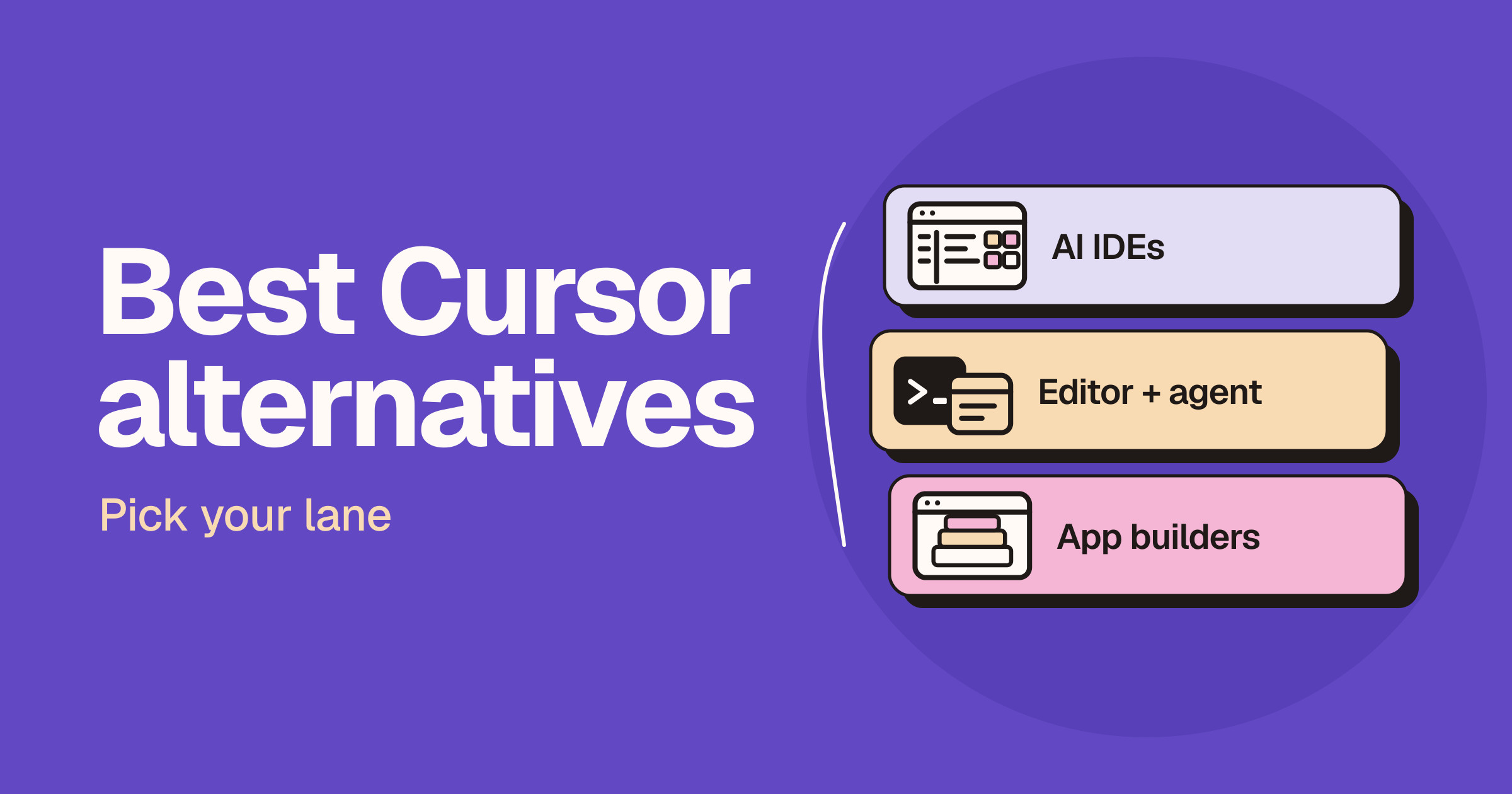
Best Cursor alternatives: IDEs, agents and app builders
The best Cursor alternative depends on how you work: Windsurf, now called Devin Desktop, is the closest full AI IDE, GitHub Copilot lets you keep the editor you already use, and Claude Code is a coding agent that runs in the terminal, IDEs, a desktop app and the web. If you want to build a whole app from a prompt rather than edit an existing repo, Replit Agent, Bolt, Lovable and v0 are the better fit.
Windsurf vs Claude Code: AI IDE or terminal agent?
Windsurf, now called Devin Desktop, is an AI IDE with an agent command centre for local and cloud agents. Claude Code is Anthropic's coding agent, which you can run from the terminal, an IDE extension, a desktop app or the web. Pick the IDE if you want to write code in an AI-first editor all day; pick Claude Code if you want to hand off multi-file tasks and review the result. You do not have to choose, because Anthropic's docs say the Claude Code extension also installs in Devin Desktop.

Gemini 4 Carbon: what's new and when you can use it
Google announced Gemini 4 Carbon on October 28, 2026, its strongest model yet and now first on the Artificial Analysis Intelligence Index. Here's what it does, who can use it today, how it compares with Claude and GPT, and what to use until it opens up.