

Best ChatGPT alternatives: free and paid AI assistants
8 min read
Last updated November 13, 2026. How we pick: we compare the job each tool is for, from public product pages, not a paid ranking.
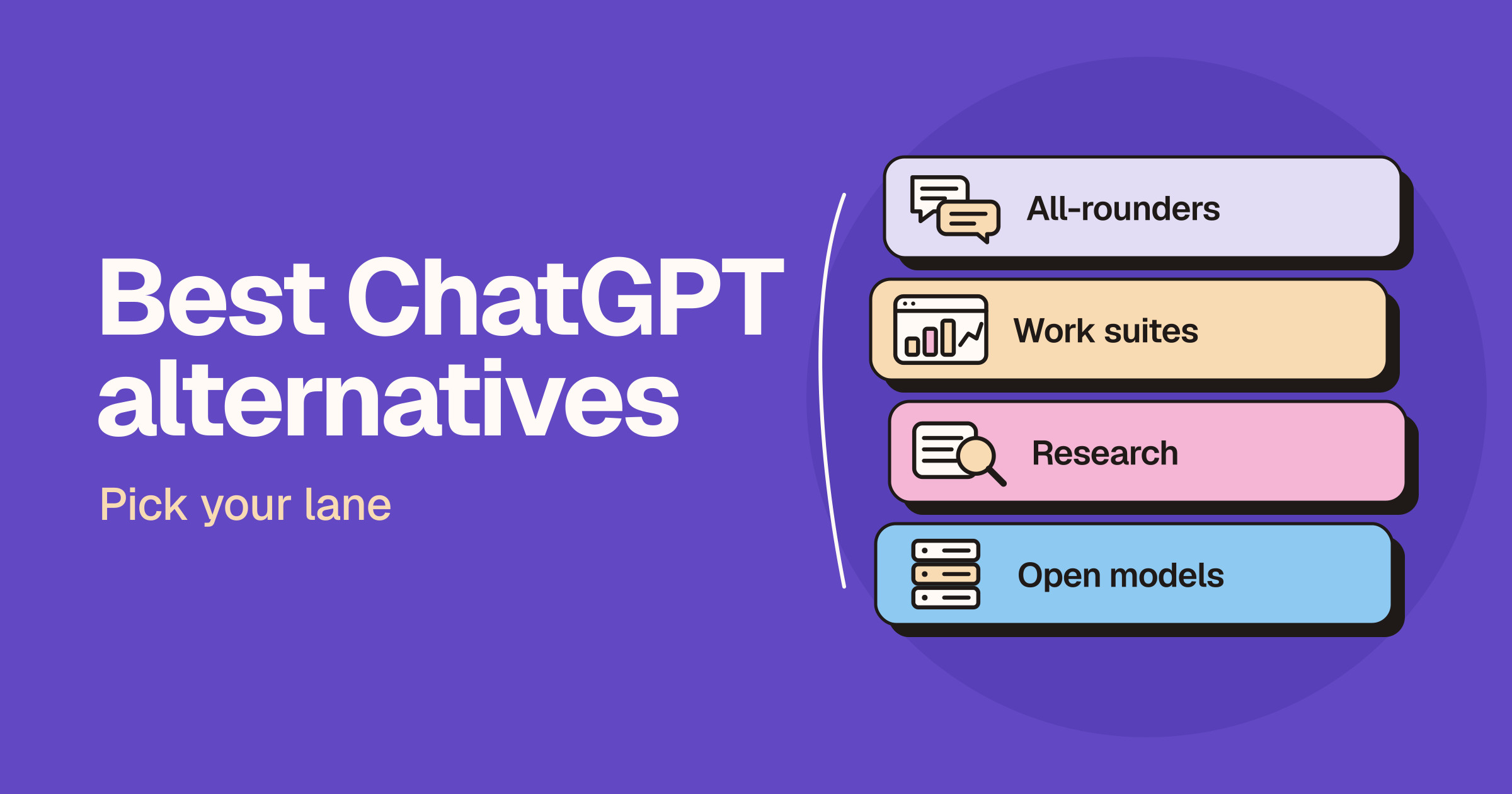
Short answer: the best ChatGPT alternative depends on what you use ChatGPT for. Claude is the closest all-round swap, and the pick for long documents, careful writing and coding. Gemini makes the most sense if you live in Gmail, Docs and the rest of Google. For research with a source behind every claim, use Perplexity. For live news and what people are saying on X, use Grok. Microsoft Copilot suits people who work in Word, Excel and Outlook, and Mistral Vibe (formerly Le Chat) and DeepSeek are worth a look if you want a European option or open models.
Sponsored
Your tool here: sponsor this list
Fixed $149/month on Draft with AI. A subscription, not Claim #1.
Pin this category · $149/moThis guide is for founders, operators, marketers, writers, students and small teams who use or are evaluating ChatGPT and want to know what else is worth trying. We sort the options by lane first, because the right swap depends on the job: everyday writing and thinking, work inside a suite you already pay for, cited research, real-time news, or control over where your data and models live. Claims below come from each vendor’s own product, pricing and help pages and are attributed to the vendor. We do not print prices on Unloc, and AI assistants change their plans, models and limits often, so check each live pricing page before you pay. If you are already down to two tools, read our Claude vs ChatGPT, ChatGPT vs Gemini, Perplexity vs ChatGPT and Grok vs ChatGPT head-to-heads.
Quick answer: pick your lane
| Lane | What you want | Start with |
|---|---|---|
| Closest all-round swap | A general assistant for writing, analysis, files and code | Claude |
| Google stack | An assistant inside Gmail, Docs, Drive and Chrome | Gemini |
| Microsoft stack | An assistant inside Word, Excel, PowerPoint and Outlook | Microsoft Copilot |
| Research with sources | Answers you can check, with citations on every claim | Perplexity |
| Live news and X | Answers that reflect what is happening right now | Grok |
| European and open models | A European vendor, or models you can run and inspect yourself | Mistral Vibe, DeepSeek |
Why people look for a ChatGPT alternative
We are not quoting survey numbers, because we have none. The reasons we see are practical.
- A different style of answer. Some people prefer how another assistant writes, reasons or handles long documents, and only find out by trying the same prompt in two tools.
- The apps you already use. If your day runs on Google or Microsoft apps, an assistant built into them can save the copy and paste.
- Sources you can check. For research that has to stand up in a meeting, an answer engine that cites every claim is easier to verify.
- Limits and ads. OpenAI’s pricing page lists limits on uploads, image creation, voice and deep research on the free plan, and says its Go plan may include ads. Heavy users hit limits and compare plans.
- Control over data and models. Some teams want a vendor in a particular region, or open models they can host themselves.
To be fair to ChatGPT, OpenAI lists unlimited everyday text chats on every plan (subject to abuse guardrails), plus deep research, memory, projects, custom GPTs and Codex on its paid plans. Read the live pricing page before you decide whether a switch is about price or about fit.
Lane one: the closest all-round swap
Claude
Claude is Anthropic’s assistant. Anthropic’s Claude page describes it as a collaborator you can put to work on real tasks, not just questions, with models for reasoning, coding and writing. Its pricing page says the free plan includes chat on web, desktop and mobile, web search, file creation, code execution, memory across conversations, app connectors and Artifacts. Paid plans add Claude Code, Research, more models, Claude in Chrome and Claude for Microsoft 365, plus newer tools such as Claude Sheets and Whiteboards (in beta).
- Good for: long briefs and messy documents, careful writing and editing, and people who also want a coding agent in the same subscription.
- Watch for: Anthropic says usage limits apply, counted over five-hour and weekly windows, and that how fast you reach them depends on the model, the length of your chats and the size of your files.
Lane two: an assistant inside the apps you already use
Gemini
Gemini is Google’s assistant. Google’s plans page lists Deep Research, Gemini Live, Canvas, image generation and editing, and Gemini Notebook on the free plan, which runs on a Google account. Paid Google AI plans add higher usage limits, Google’s more capable models, video generation, Gemini inside Gmail and other Google apps, and more cloud storage across Gmail, Drive and Photos.
- Good for: people whose work already lives in Gmail, Docs, Drive and Chrome, and anyone who wants extra Google storage in the same plan.
- Watch for: which models and features you get depends on the plan and your country, so check the plans page for your region.
Microsoft Copilot
Microsoft Copilot is Microsoft’s assistant. Microsoft’s Copilot site says Copilot is free with a signed-in Microsoft account. Its plans page for individuals describes Copilot in Word, Excel, PowerPoint and Outlook, with drafting, data analysis, presentations and inbox summaries, and lists features such as Researcher, Analyst and Cowork on its higher Microsoft 365 plans.
- Good for: people and teams who already pay for Microsoft 365 and want an assistant where their documents and email already are.
- Watch for: the most capable Copilot features sit on specific Microsoft 365 plans, and plans and offers change, so read the current plan page rather than an old comparison.
Lane three: research with sources
Perplexity
Perplexity is an answer engine. Its search page says every answer is sourced and cited, that searches pull from a live web index, and that Deep Research runs many searches across many sources and writes a report. Perplexity’s pricing page says it picks the best model per query from top providers including OpenAI, Google and Anthropic, and that paid plans let you choose a preferred model and add premium data sources for finance and market work.
- Good for: market scans, fact checks and research where you need to show where each claim came from.
- Watch for: treat the citations as a starting point and open the sources, especially for anything you will publish or act on.
Lane four: live news and X
Grok
Grok is the assistant from SpaceXSI, available on the web, iOS, Android and inside X. Its product page says Grok searches the web and X live, so answers reflect what is happening now, with citations from primary sources. The same page lists voice conversations, image and video generation with Grok Imagine, file and PDF analysis, memory across chats and a multi-agent mode where several agents work in parallel on hard questions. Grok is free to try, and SpaceXSI says SuperGrok adds higher limits and multi-agent reasoning.
- Good for: breaking news, trends and what people are posting on X, plus everyday writing and research.
- Watch for: live posts move fast and are not always accurate, so check important claims against the original source. If Grok is not quite right for you either, see our best Grok alternatives guide.
Lane five: European and open models
Mistral Vibe (formerly Le Chat)
Mistral Vibe is Mistral AI’s assistant. Mistral’s product page says Le Chat is now Vibe, combining an AI chat assistant for work and a coding agent in one product, and that your conversations and settings carried over. It lists deep research across the web, internal docs and connected tools, document and report creation, meeting briefs and scheduled workflows. Mistral says the free plan covers quick answers, web search and simple tasks, and its team and enterprise options include admin controls, models fine-tuned on your data and full data residency in any cloud or data centre.
- Good for: teams that want a European vendor, and companies that want control over where their AI runs.
- Watch for: the rename is recent, so older guides and app store listings may still say Le Chat.
DeepSeek
DeepSeek is an AI lab that offers a chat assistant on the web, desktop and mobile, plus an API. Its homepage lists DeepThink and Search modes in chat, and links to research pages for its model releases.
- Good for: developers and tinkerers who want to try DeepSeek’s models, and people curious about alternatives to the big American labs.
- Watch for: read DeepSeek’s privacy policy and terms before you paste in anything sensitive, and check whether your company allows it.
How to choose
- Start with the job. Writing and thinking, research, news, or work inside a suite. Pick the lane before the tool.
- Run the same prompt in two tools. Use a real task from your week, not a trick question, and compare the answers side by side.
- Check the apps it connects to. An assistant that can read your email, calendar or files can save more time than a slightly better model.
- Read the data terms. Look at whether your chats are used for training, how to opt out and where data is stored, especially for client work.
- Check the live pricing page. Plans, limits and included models change often, so compare on the day you buy.
Many people end up keeping two assistants: one for everyday work and one for research or news. Browse more options in AI assistants and agents on Unloc.
FAQ
What is the best alternative to ChatGPT?
For most people the closest all-round alternative is Claude, which Anthropic positions for reasoning, writing and coding. Gemini is the better fit if you work in Google’s apps, Microsoft Copilot if you work in Microsoft’s, Perplexity for cited research and Grok for live news and X.
Is there a free alternative to ChatGPT?
Yes. Claude, Gemini, Perplexity, Grok, Microsoft Copilot and Mistral Vibe all offer a free way to use their assistant, according to their own sites. Free plans have tighter limits and sometimes fewer models, so check each live pricing page for what is included.
Which ChatGPT alternative is best for research?
Perplexity is built for research. It says every answer is cited and that its Deep Research mode runs many searches and writes a report. Claude (on paid plans), Gemini and Grok also offer research modes, so try the same question in two tools and open the sources before you rely on them.
Is Claude better than ChatGPT?
It depends on the task. On Unloc we describe Claude as a careful assistant for long briefs and messy documents, while ChatGPT has a broad set of built-in tools such as custom GPTs and image creation. Our Claude vs ChatGPT comparison goes through the differences in detail.
What happened to Le Chat?
Mistral says Le Chat is now called Mistral Vibe. It combines the chat assistant with Mistral’s coding agent in one product, and Mistral says existing conversations, settings and plans carried over.
Submit a tool if it belongs on the board. Listings are reviewed before they go live.
Share your learnings on socials
Other resources
View all
Claude Sheets, Whiteboards and Meetings: what's new
Anthropic announced Claude Sheets, Claude Whiteboards and Claude Data on November 10, 2026, plus full apps inside Claude and Claude Meetings (coming soon). Here's what each does, who gets it, what Sheets can't do yet, and how it compares with ChatGPT, Gemini and Copilot.
Best Zapier alternatives: free, open source and AI options
The best Zapier alternative depends on why you are leaving: Make is the closest all-round swap with a visual builder, n8n and Activepieces let you self-host, Microsoft Power Automate suits Microsoft shops, Gumloop and Pipedream cover AI agents, IFTTT handles personal and smart home automations, and Workato is built for enterprise.

Gemini 4 Carbon is now available: who gets it and what's new
Google made Gemini 4 Carbon generally available on November 10, 2026: on the paid Gemini API, in Gemini for business, GitHub Copilot and Cursor, and for Google AI Ultra subscribers in the Gemini app. Here's who can use it, what it costs, what /swarm adds in Antigravity and how it compares with Claude Fable 5.2 and GPT.