

Best Notion alternatives: free and paid workspace apps
9 min read
Last updated November 16, 2026. How we pick: we compare the job each tool is for, from public product pages, not a paid ranking.
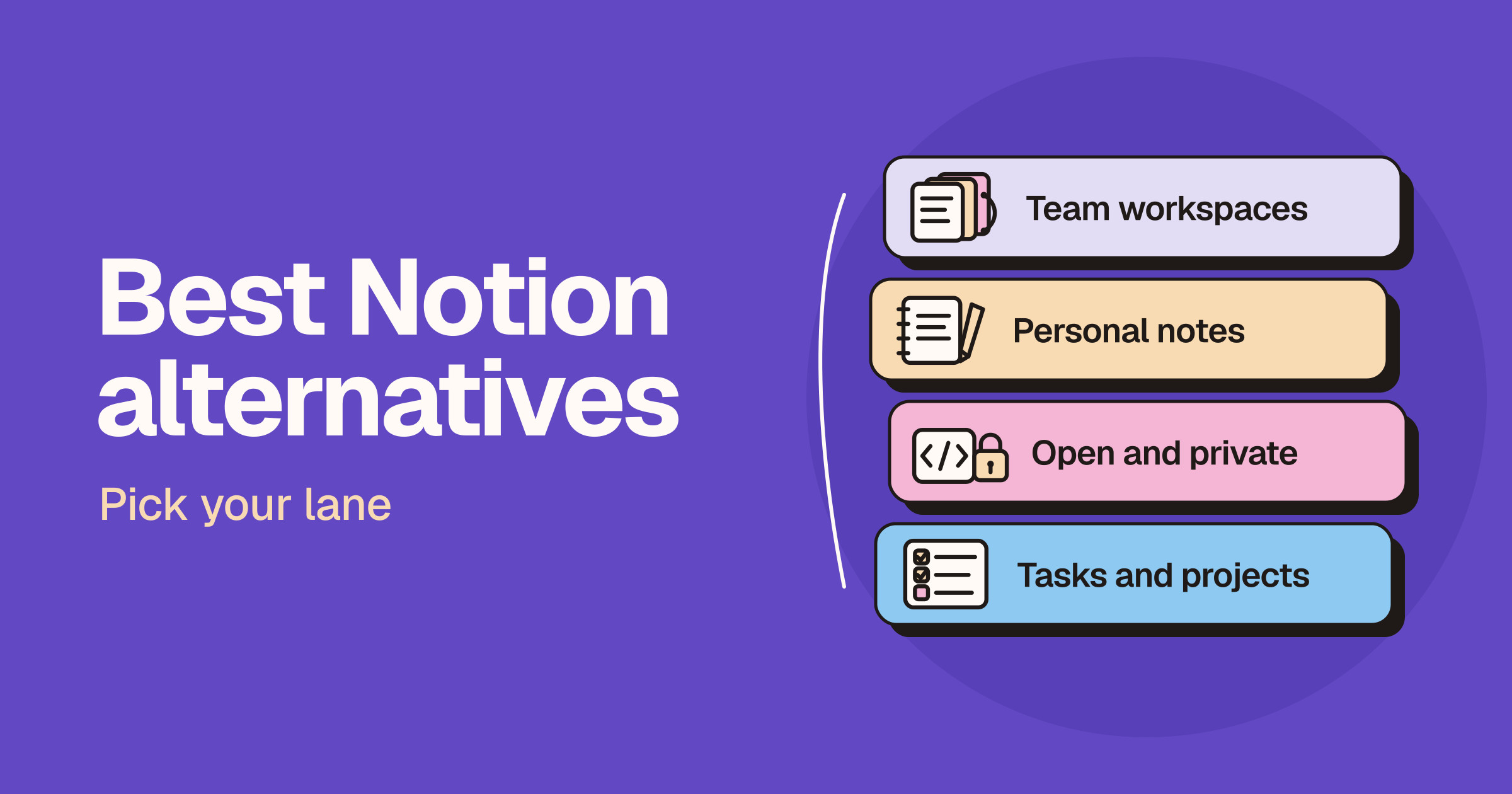
Short answer: the best Notion alternative depends on what you use Notion for. For an all-in-one team workspace, try ClickUp or Superhuman Docs (formerly Coda), or Confluence if you mainly need a company wiki. For personal notes and a second brain, use Obsidian or Craft. If you want open source or local-first privacy, look at AppFlowy and Anytype. If Notion is really your task list or project tracker, a dedicated tool such as Linear or Todoist will usually serve you better.
This guide is for founders, small teams, students and knowledge workers who use or are evaluating Notion and want to know what else is worth trying. Notion does docs, wikis, databases, projects and AI in one place, so most people do not need a single replacement. They need a better tool for the one job Notion is not doing well enough for them. We sort the options by lane for that reason. Claims below come from each vendor’s own product, pricing and help pages and are attributed to the vendor. We do not print prices on Unloc, and workspace apps change their plans, AI credits and limits often, so check each live pricing page before you pay. If you are already down to two tools, read our Notion vs Obsidian, Notion vs Superhuman Docs, Notion vs Linear and Notion vs Todoist head-to-heads.
Quick answer: pick your lane
| Lane | What you want | Start with |
|---|---|---|
| All-in-one team workspace | Docs, wikis, tasks, chat and AI for the whole team in one app | ClickUp |
| Docs that work like apps | Docs with tables, formulas, buttons and automations | Superhuman Docs |
| Company wiki | A knowledge base that sits next to your engineering work | Confluence |
| Personal notes | A private second brain, or a polished notes and docs app | Obsidian, Craft |
| Open source and private | A workspace you can self-host, or one that keeps data on your device | AppFlowy, Anytype |
| Tasks and projects | Issue tracking for product teams, or a fast to-do list | Linear, Todoist |
Why people look for a Notion alternative
We are not quoting survey numbers, because we have none. The reasons we see are practical.
- Notion became the task manager by accident. Databases can track anything, but a team running sprints or a person juggling daily to-dos often wants a tool built for that one job.
- Local files and ownership. Some people want notes stored as plain files on their own device, readable by other apps.
- Self-hosting and data control. Some teams need their workspace on their own servers, or a tool where the vendor cannot read their data.
- The rest of the stack. If engineering already lives in Jira, a wiki from the same vendor may fit with less friction.
- AI and plan fit. Notion’s pricing page puts Notion Agent and AI Meeting Notes on its Business plan and offers a trial of Notion AI on Free and Plus, so heavy AI users compare what each plan includes.
To be fair to Notion, its pricing page lists a free plan for individuals with databases, basic forms, basic sites and Notion Calendar, and says you can use Notion offline on the desktop and mobile apps. If you do leave, Notion’s export help page says you can export a page, database or entire workspace at any time, as PDF, HTML or Markdown and CSV. Read the live pricing page before you decide whether a switch is about price or about fit.
Lane one: all-in-one team workspaces
ClickUp
ClickUp pitches itself as one workspace for work, knowledge and conversations. Its homepage lists projects, docs, wikis, chat, whiteboards, sprints, time tracking, dashboards and automations, with Brain, its AI, and agents that can find answers and take action across your tasks, docs and chat. ClickUp’s pricing page lists a Free Forever plan with collaborative docs, kanban boards and unlimited free members, and paid plans that add more storage, automations and AI usage.
- Good for: teams that use Notion as a project hub and want tasks, docs and chat to live in the same app.
- Watch for: ClickUp has a lot of features and settings, and AI usage is metered by plan, so check the live pricing page for what each tier includes.
Superhuman Docs (formerly Coda)
Superhuman Docs is the new name for Coda: the Coda site now says Coda is now Superhuman Docs. Superhuman’s Docs page says Docs AI builds with text, tables, formulas and buttons, can build trackers, dashboards and tables from a prompt, and supports collaborative docs, project management, knowledge hubs and workflows such as approvals and intake forms. It lists two-way sync with tools such as Jira, Salesforce and Asana, and an MCP server so ChatGPT, Claude and Cursor can read from and write in your docs. You can try Docs for free.
- Good for: operations and product teams whose Notion databases have turned into internal tools.
- Watch for: the power is in tables, formulas and automations, so it takes some building. Our Notion vs Superhuman Docs guide goes deeper.
Confluence
Confluence is Atlassian’s workspace for knowledge and collaboration. Atlassian’s Confluence page lists pages, live docs, whiteboards, databases, videos and slides, with Rovo, its AI, to search across connected knowledge and summarise pages, and a Rovo MCP Server to plug Confluence into Claude, ChatGPT or your IDE. It also says status markers and automation flag stale pages. Atlassian’s free plan page says you can get started free for a small team, with no credit card.
- Good for: companies that want a formal wiki next to Jira, which Atlassian also makes.
- Watch for: it is built for team documentation rather than personal notes, and seats and AI features are set on Atlassian’s pricing page, so check it before you roll it out.
Lane two: personal notes and a second brain
Obsidian
Obsidian calls itself the free and flexible app for your private thoughts. Its homepage says it stores your notes locally on your device as plain text Markdown files, works offline, uses open file formats so you are never locked in, and has thousands of community plugins and themes, a graph view and Canvas for laying out ideas. Obsidian’s pricing page lists paid add-ons such as Sync, with end-to-end encryption, and Publish, and says a commercial licence is optional but encouraged for work use. Obsidian’s Notion import guide says its Importer plugin converts a Notion workspace to Markdown files.
- Good for: writers, researchers and anyone who wants a private second brain in files they own.
- Watch for: it is a personal tool first, and syncing or sharing needs Sync or your own setup. See our Notion vs Obsidian guide.
Craft
Craft describes itself on its homepage as a space for notes, tasks and big ideas, with docs, tasks, a calendar, whiteboards and daily notes. It says you can organise with spaces, folders and tags or build databases, write with AI, publish and share pages, and connect AI tools such as Claude and ChatGPT through MCP. Craft’s pricing page lists a free plan for occasional use, with offline access and editing included, and a paid plan with higher limits.
- Good for: individuals who want good-looking notes and docs with less setup than a Notion workspace.
- Watch for: the free plan has content and storage limits, so check the live pricing page if you write a lot.
Lane three: open source and private workspaces
AppFlowy
AppFlowy’s GitHub page calls it the leading open source Notion alternative, released under the AGPL licence. Its homepage describes a self-hosted AI workspace that brings projects, wikis and teams together, and says you can run it on your own infrastructure, in your cloud or air-gapped, power its AI with self-hosted models, and get help migrating from Notion and Confluence. AppFlowy’s pricing page lists AppFlowy Cloud and self-hosted plans, and you can start for free.
- Good for: teams that like how Notion works but need open source code and full control of where data lives.
- Watch for: AppFlowy’s own GitHub page says it does not claim to outperform Notion on functionality and design, so test the features you rely on.
Anytype
Anytype describes itself on its homepage as a safe haven for digital collaboration. It says your vault lives on your device with local, on-device encryption, only you hold the encryption keys, it works offline first, and devices sync peer to peer on local networks. It offers a block editor, databases, templates and graph views. Anytype’s pricing page lists a free plan with limited remote storage, and says you can self-host your own network without a membership.
- Good for: privacy-minded individuals and small groups who want Notion-style pages and databases without a cloud vendor reading their data.
- Watch for: remote storage and shared spaces depend on your plan, so read the live pricing page before you move a team.
Lane four: tasks and projects
Linear
Linear calls itself the product development system for teams and agents. Its homepage covers issues, projects, initiatives, roadmaps and PRDs, with intake that turns conversations and customer feedback into routed, labelled issues, and workflows shared by humans and AI agents. Linear’s pricing page lists a free plan.
- Good for: product and engineering teams that track sprints and bugs in Notion databases today.
- Watch for: it is an issue tracker, not a wiki, so most teams keep docs elsewhere. Compare the two in Notion vs Linear.
Todoist
Todoist is a to-do list and task manager. Its homepage says you can capture tasks in natural language, schedule due dates, see your week in a calendar view, set recurring tasks and start from ready-made templates, with Todoist Assist to turn scattered tasks into action plans. Todoist’s pricing page lists a free Beginner plan and paid plans.
- Good for: people who built a to-do system in Notion and want something faster for daily tasks.
- Watch for: it is a task manager only, so keep notes and docs in another app. Our Notion vs Todoist guide shows how many people use both.
How to choose
- Name the job. Write down the three things you use Notion for most. If they are all one type, such as tasks or personal notes, a specialist will probably serve you better.
- Decide where your data should live. Cloud workspaces suit teams. Local files suit personal notes. Self-hosting suits teams with strict data rules.
- Test the export and import path. Export a real Notion page or database and import it into your candidate before you commit. Databases rarely move perfectly.
- Read the AI terms. Compare how each tool meters AI and which plan includes the features you want.
- Check the live pricing page. Plans, seats and AI credits change often, so confirm before you pay or move a team.
For more options, browse the Productivity and Project Management categories on Unloc, or see how Notion compares with Asana and Jira in Notion vs Asana and Notion vs Jira.
FAQ
What is the best free alternative to Notion?
For personal notes, Obsidian is free and stores your notes as local Markdown files. For teams, ClickUp has a Free Forever plan, and AppFlowy and Anytype both have free plans and can be self-hosted. Free plans have limits, so check each live pricing page.
Is there an open source alternative to Notion?
Yes. AppFlowy describes itself as the leading open source Notion alternative and is released under the AGPL licence. You can use AppFlowy Cloud or self-host it on your own infrastructure.
Is Obsidian better than Notion?
Neither is better for everyone. Obsidian suits people who want private notes stored as local files with plugins. Notion suits teams that want shared pages, databases and permissions in the cloud.
What is the best Notion alternative for teams?
ClickUp suits teams that want tasks, docs and chat in one app, Superhuman Docs suits teams that build workflows from docs and tables, and Confluence suits companies that want a wiki next to Jira.
Can I move my Notion pages to another app?
Notion lets you export a page, database or entire workspace as PDF, HTML or Markdown and CSV. Obsidian’s Importer plugin converts a Notion workspace to Markdown files, and AppFlowy offers help migrating from Notion. Test with a real page first, because databases rarely move perfectly.
Submit a tool if it belongs on the board. Listings are reviewed before they go live.
Share your learnings on socials
Other resources
View all
Codex vs Claude Code: which AI coding agent should you use?
Pick Codex if you already pay for ChatGPT and want one plan for chat, work and coding. Pick Claude Code if you want Anthropic's terminal-first agent with deep customisation on a paid Claude plan.

Best Canva alternatives: free and paid design tools
The best Canva alternative depends on the job: Adobe Express is the closest all-round swap, Microsoft Designer suits quick AI graphics, Figma Buzz and Penpot suit design teams, Gamma and Beautiful.ai suit slides and docs, CapCut suits video, and Recraft and Adobe Firefly suit AI images and vectors.

Gemini 4 Hydrogen: what's new and who can use it
Google announced Gemini 4 Hydrogen on November 12, 2026: a fast Gemini 4 model that replaces Gemini 3.8 Flash and is rolling out to Google Search, the Gemini app, the free Gemini API and Antigravity. Here's who gets it, what changes in Search, the developer details and how it compares with OpenAI and Anthropic.